Steam Superiority

In an industry heavily dominated by large corporations, independent game developers find a safe haven in the PC marketplace. Compared to console, contracts of exclusivity aren’t made as often and which games are marketed are not controlled by the creators of the hardware. These are some of the many benefits of playing and developing on PC. However, recent developments within the PC community are threatening this idea. Steam and Epic are currently competing for control over the PC gaming market. Both companies have behaved questionably in the past and implemented controversial policies. However, I believe that Steam is the necessary continuity gaming must have as a software for the PC community to retain its current status.

The emergence of Fortnite appears to be one of Epic Games’ stepping stones to take over the PC medium. Epic has been amassing profit for years, even before Fortnite through their Unreal 4 game engine. This engine has been the backbone of some of the world’s most popular games, such as PUBG, Fortnite, Borderlands 2, Rocket League, and much more, with Epic taking a percentage of profit from each one of these massive games. Due to developer friendly nature and accessibility Unreal’s environment, many independent developers flock to this engine and as a result, generate Epic a lot of money.
Epic Games Store

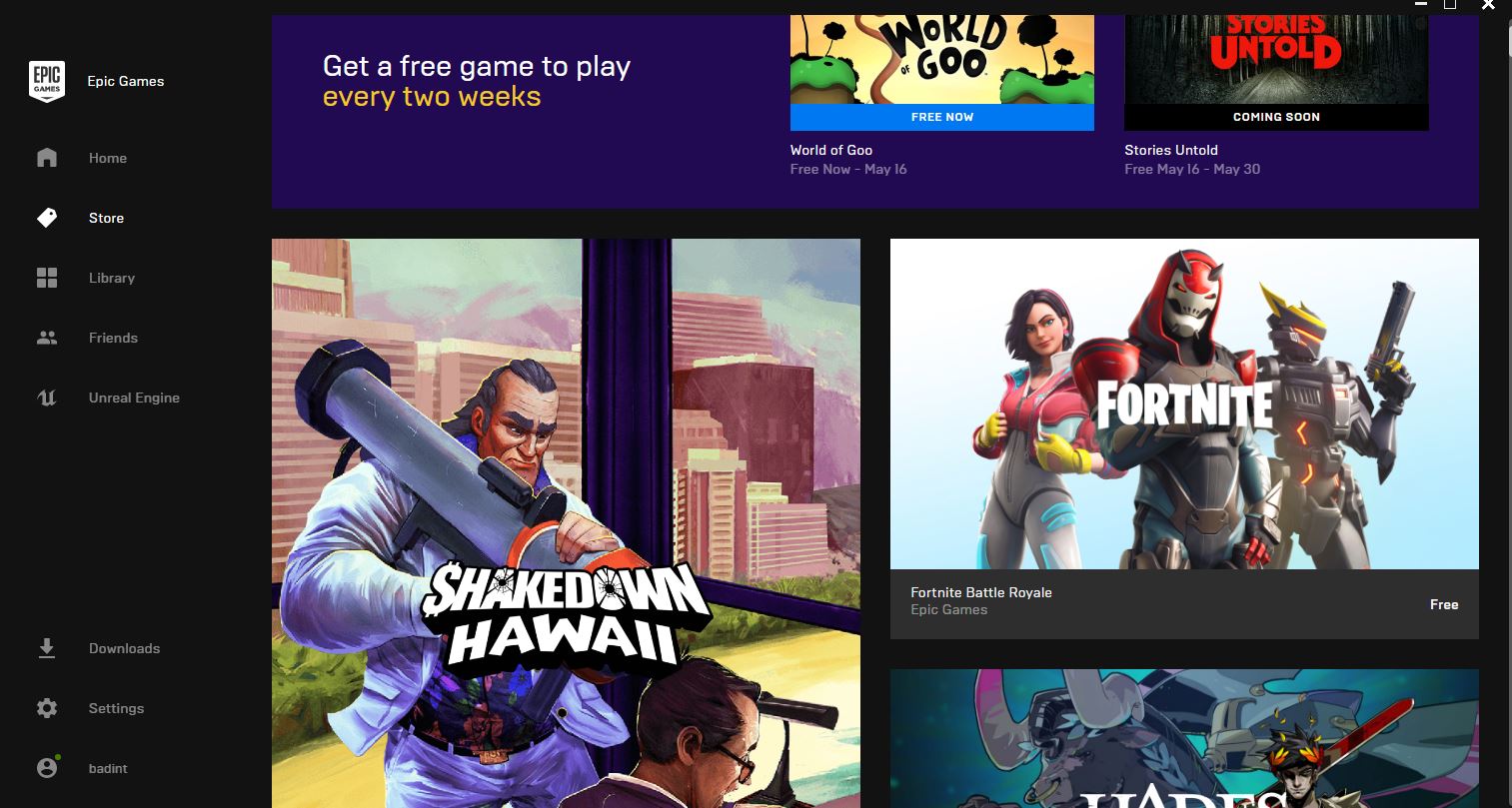
The result of these massive profits is Epic’s investment into their games store. Epic has made exclusivity deals with game franchises such as borderlands and the division and also gives out free games every two weeks. At surface level this may appear beneficial and healthy for the industry, but Epic is steering the PC community in the wrong direction. The exclusive nature of their major games conveys the same message as a console. Just like how the PS4 is Sony’s system, Epic appears to be trying to make the PC their system. The only way to get these new games is through Epic’s store.

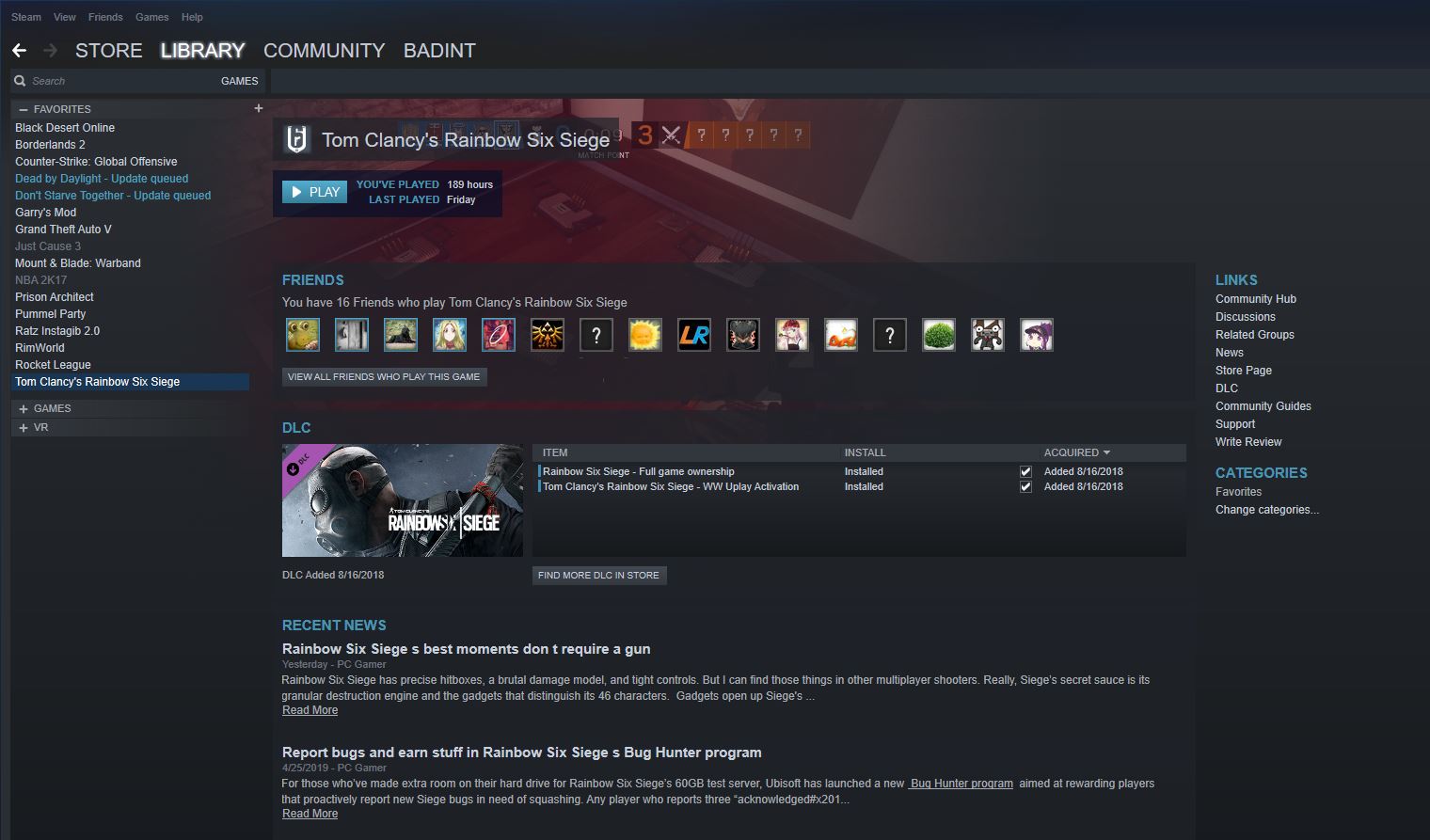
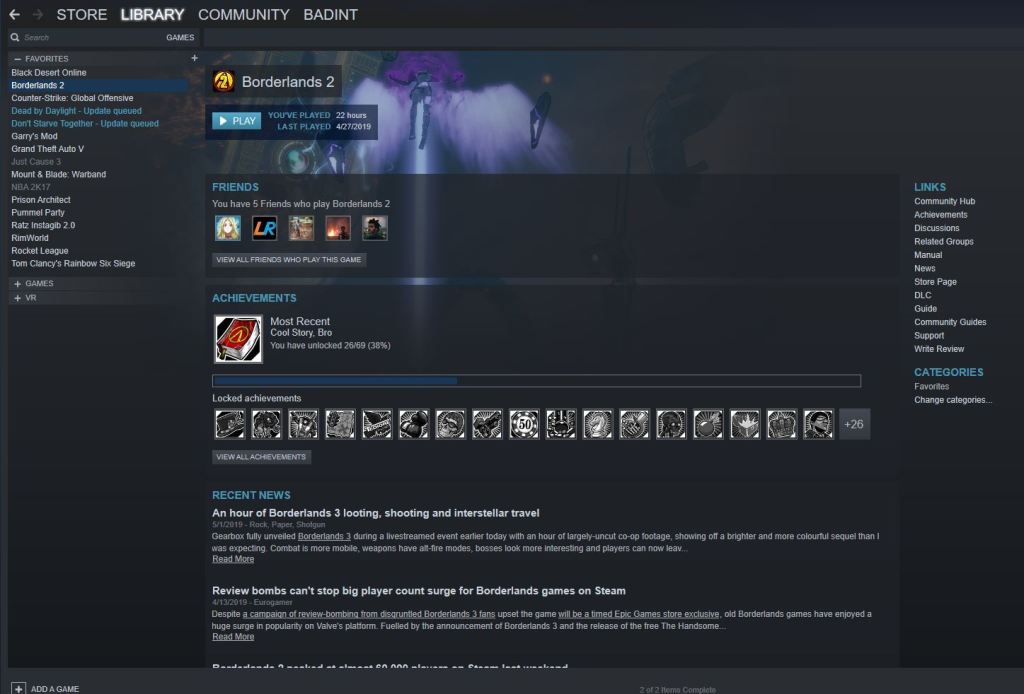
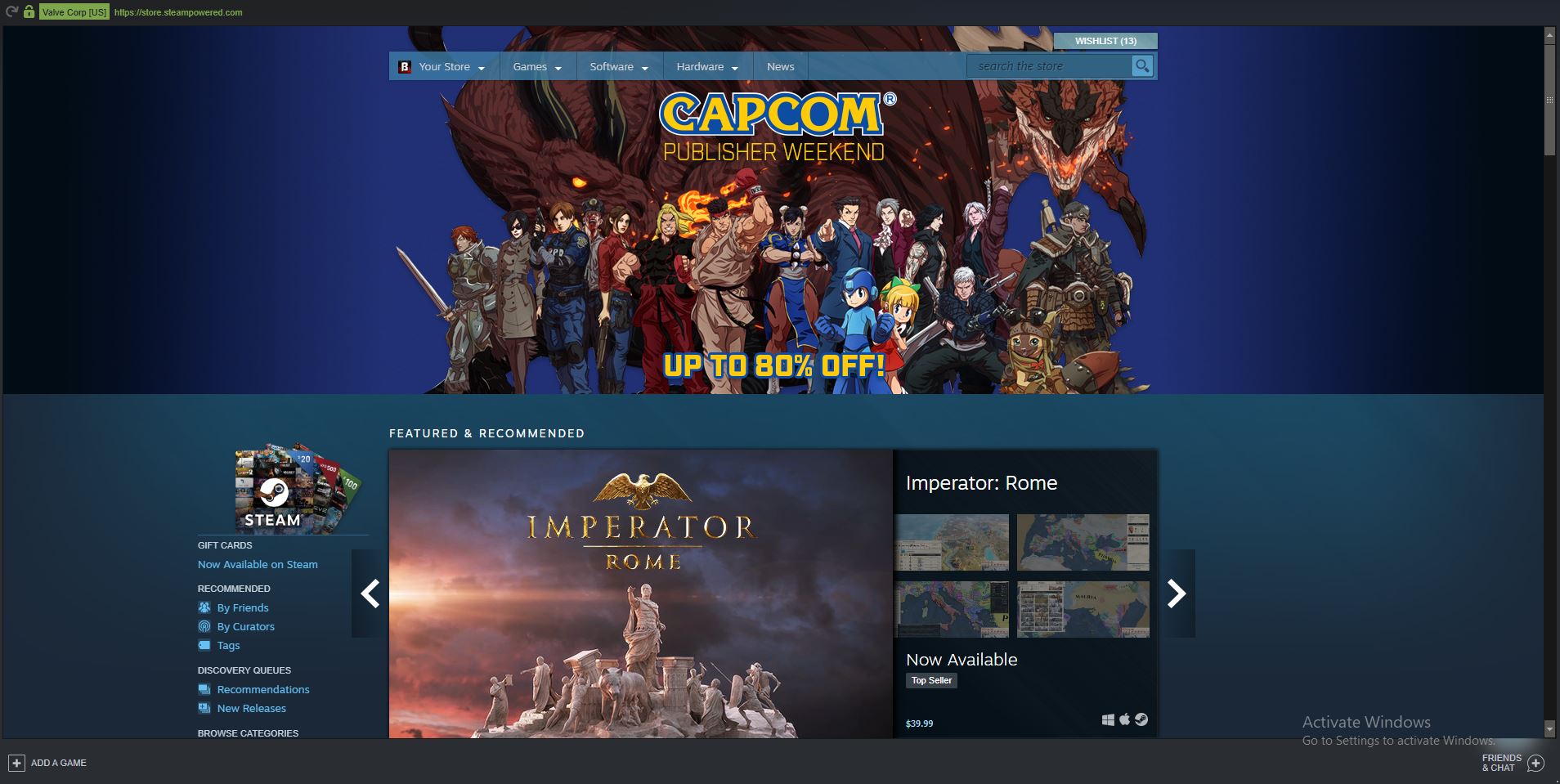
Steam is still very, very far from perfect, as shown by their high profit cut of 30 percent and Valve’s extremely slow pace of updates and new games. Steam has however, solidified itself in the gaming world, to the point where people would find it difficult to transition away due to the investments of time and money in their steam accounts. Steam has an active community, a developed workshop for community game creations, an intricate review system, and a highly customizable profile system. All of these would be difficult for Epic to replicate because Valve has been developing these features into steam for over a decade. Despite a lot of information about steam being public(as seen on websites such as steamdb.info), many of its features are unique and haven’t been replicated yet by other DRMs such as uplay, Battle.net and Origin.
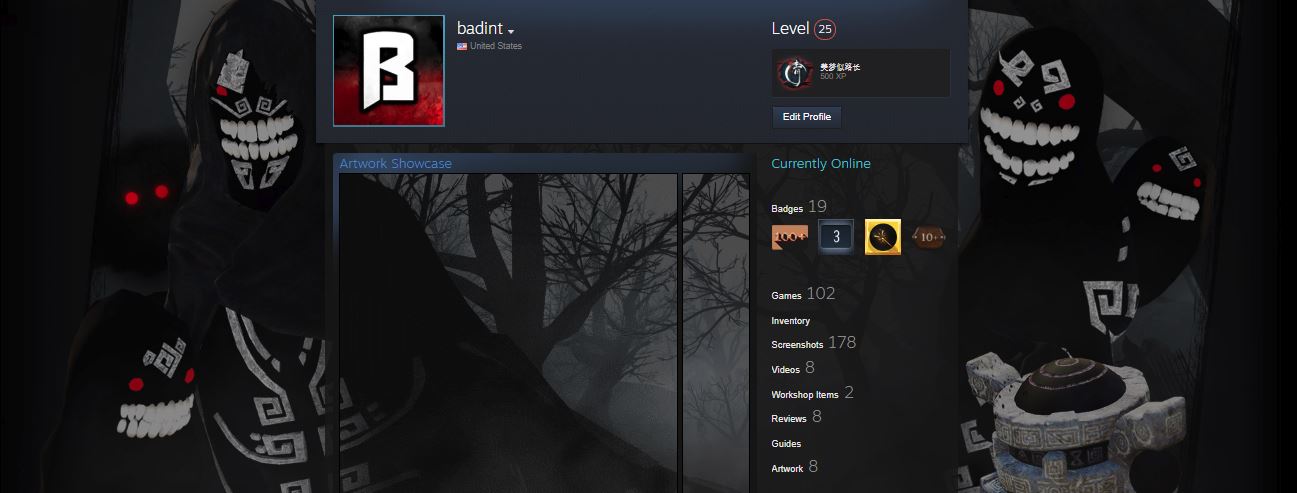
Steam Profile

Steam still needs a lot of improvement, but maintains a stable service with an easy to use interface. Steam started out a lot like Epic, not necessarily favored by the community, as it introduced the idea of Digital Rights Management to gaming, requiring a platform to play certain games on. Steam however, improved by adopting their software to their community. Continuously integrating features to make it more like a social network as opposed to a game store. Epic on the other hand is gearing their software towards making a profit, as it is in direct competition with all the other DRMs. Epic’s roadmap includes more efforts to facilitate the buying process, such as additional support for DLCs(benefitting from microtransactions) in addition to their exclusives.

The competition for control over the PC gaming medium is primarily a battle between Epic’s relatively new game store, and Valve’s steam service. While Epic offers free and exclusive games, their practices don’t reflect those that support a community. Steam has heavy taxes and cuts in their marketplace and store, but still maintains a philosophy to put their users first.

Sources:

The Best On PC

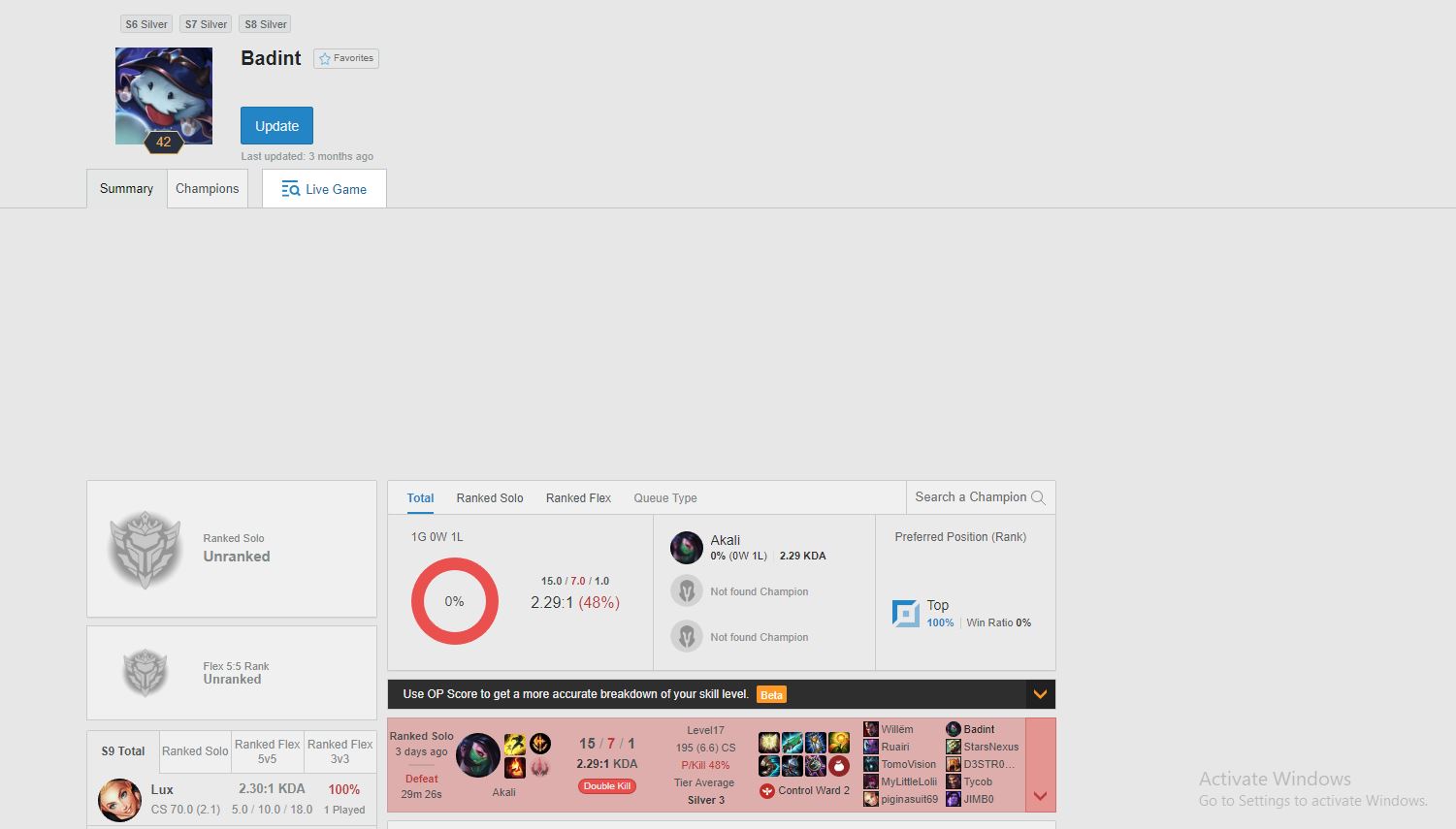
This post will be a list with explanations of games that I feel like are pretty necessary to have a complete experience on PC. This will include some common games you would find on other lists like this, but I also added some indie (developed by independent developers) games that I think deserve recognition. I tried to list at least 1 game from different types of genres. I also added some evidence of my playtime to add credibility to my reviews. The games I included can typically be found on sale or at low prices (another advantage of PC gaming)

  • League of Legends
    • Arguably the most popular game on PC and also the game that sparked my interest PC gaming. There exists a huge community and different people have very different contrasting opinions about the game. It is worth it to at least try the game out, as this game can be run on basically any PC and is free.
  • Tom Clancy’s Rainbow Six Siege
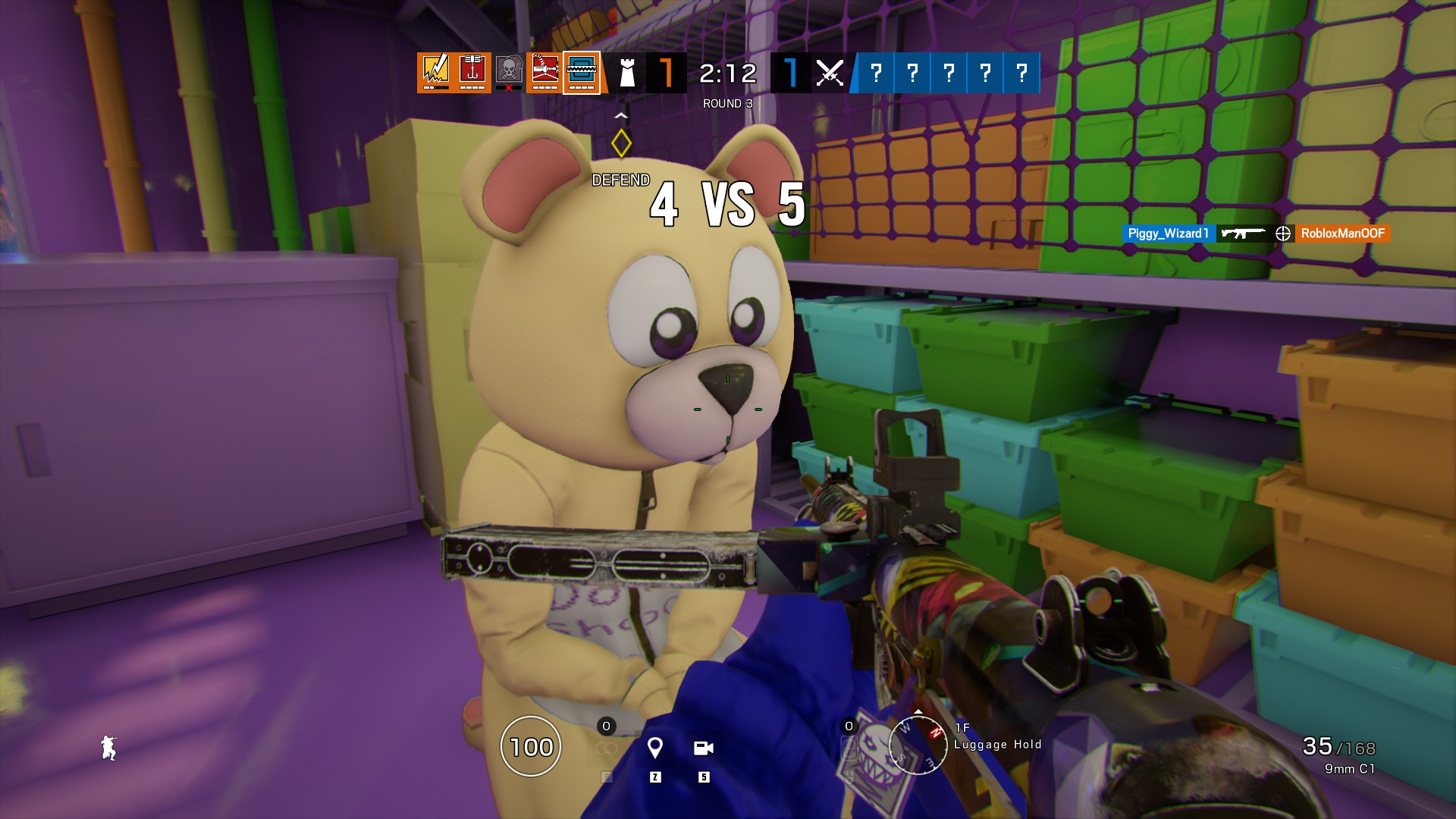
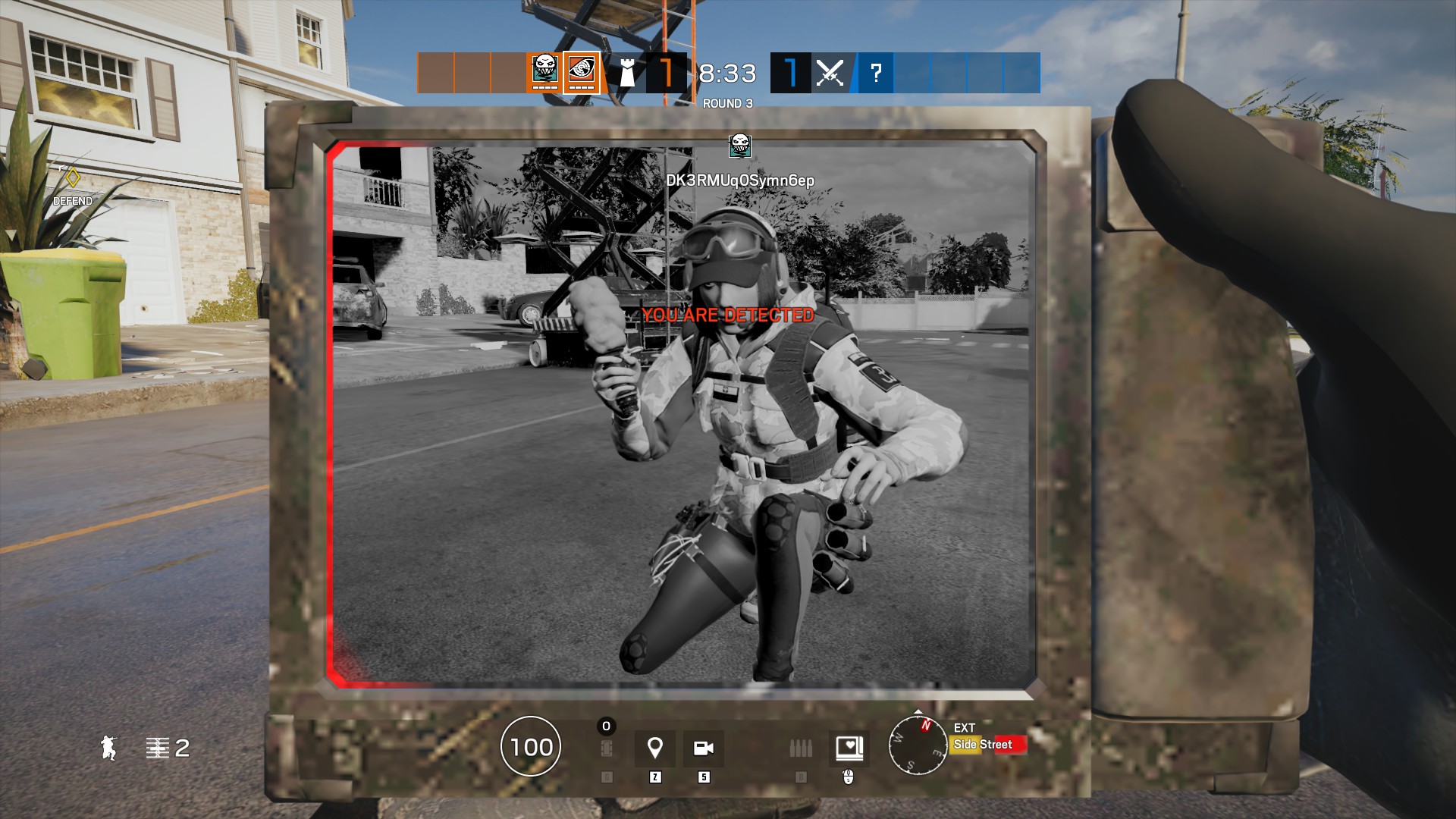
    • For my multiplayer shooter on this list, I went with Ubisoft’s success project over Valve’s CS:GO and Blizzard’s Overwatch. CS:GO is less friendly for people transitioning to PC and Valve has behaved questionably over the last few years. R6, despite a very shaky start, has solidified itself in the gaming world. However, I feel like this game is very hard to learn, and it is a good idea to play a different shooter or first person game before this. The dynamic environment and weapon attachments in the game all add to a fun yet difficult experience.
  • Borderlands 2
    • The best co op experience on PC, I feel like this game is great for anyone looking to see what a first person game is like. Despite not having any competitive multiplayer, this game can offer hours of fun and tons of replayability due to the experience of the looter shooter grind. With the new game (Borderlands 3) right around the corner, this masterpiece will likely drop to very low prices.
  • Rimworld
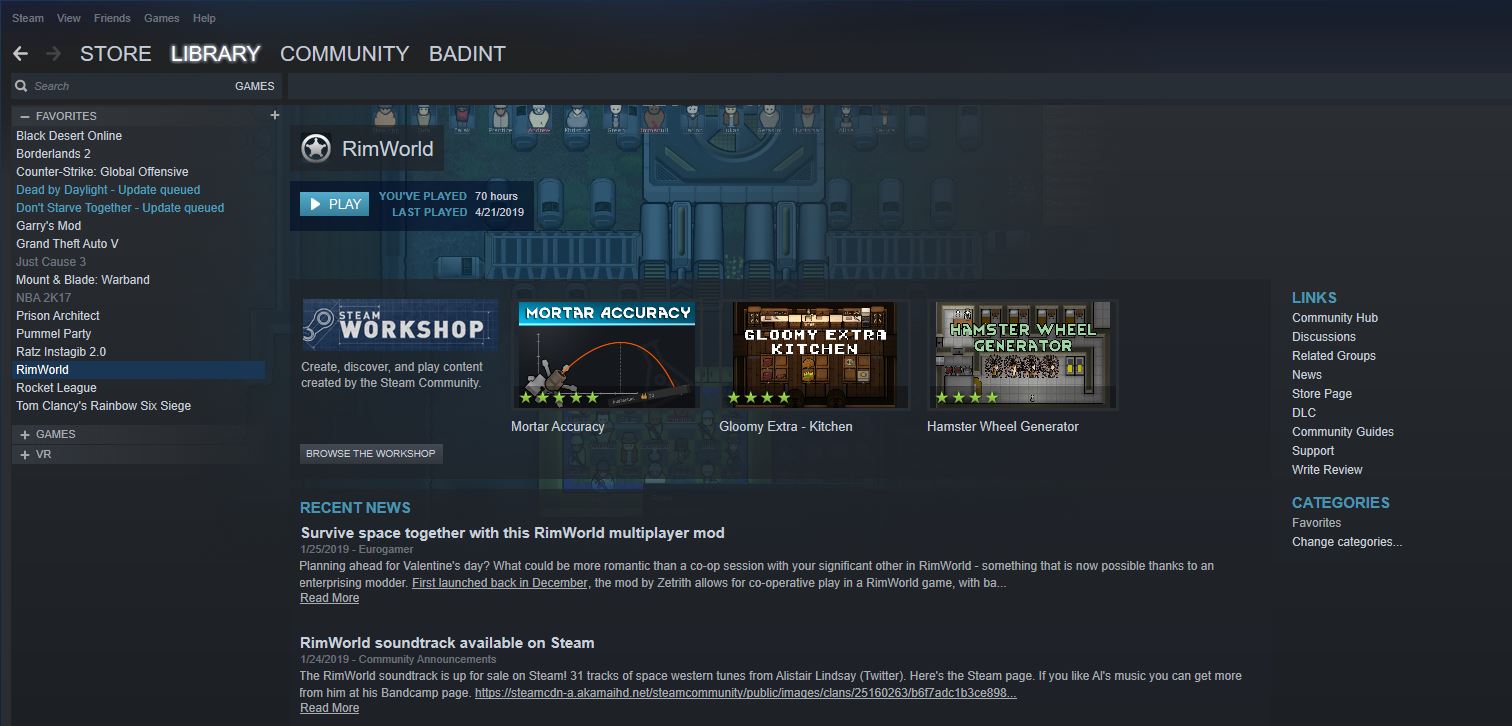
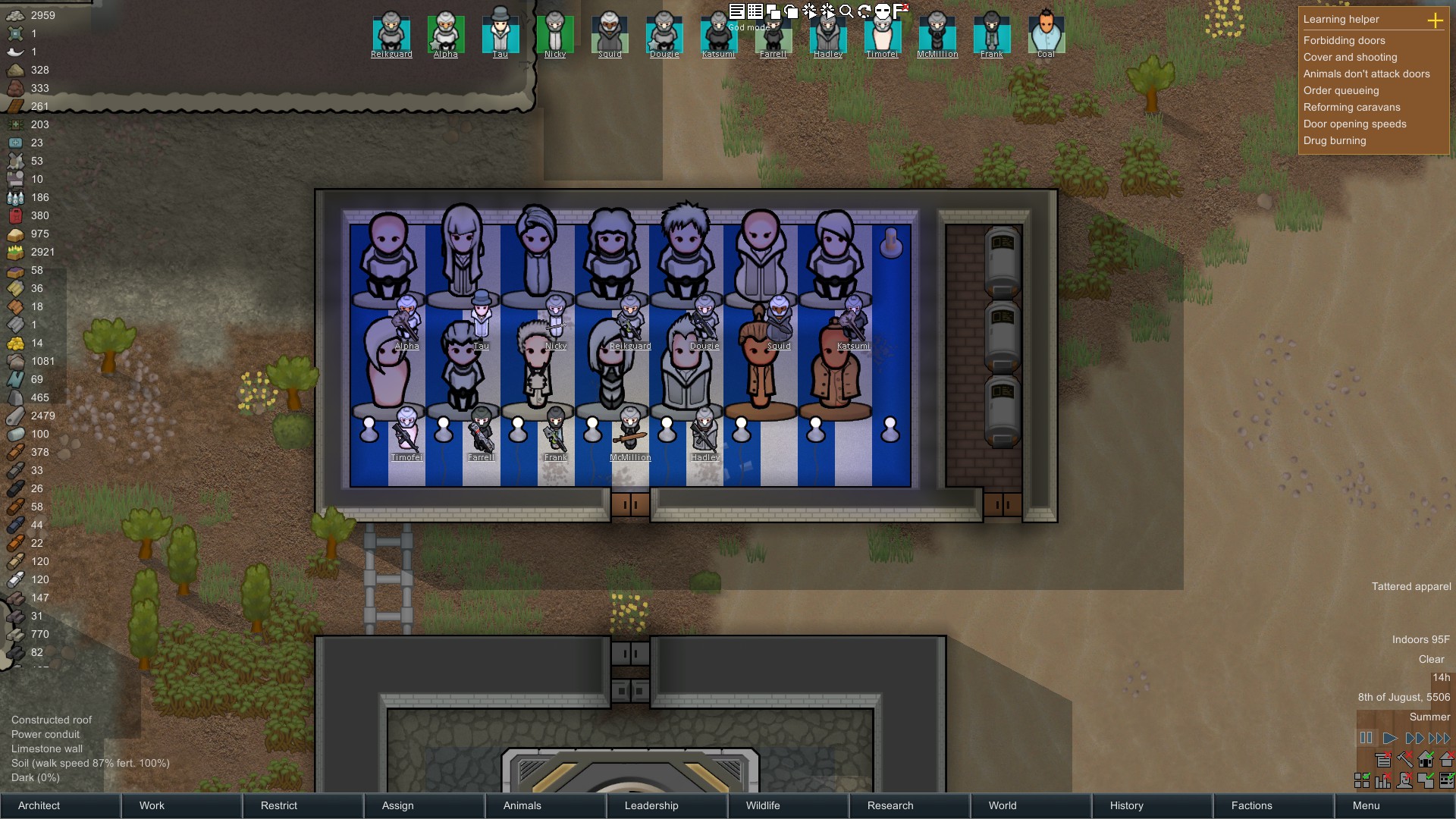
    • For my management game, I chose rimworld, an indie game that generates a story as you play. Despite being pricy, this game can also be run on any computer, and I would recommend “downloading” it online for free first before you decide to buy it on Steam. In this game, you manage a space colony where you can recruit new people. These new people may come in the form of wild men you need to tame or pirates raiding your base who you need to take prisoner and convince them to join you. The opportunities in this game are endless, it is sort of like a sandbox, but with an end goal is present. When you, or your colonists crashland, you start with very primitive technologies, and it is the goal of the game to research all the way to space age technology and exit the planet or “rimworld”.
  • Mount and Blade: Warband
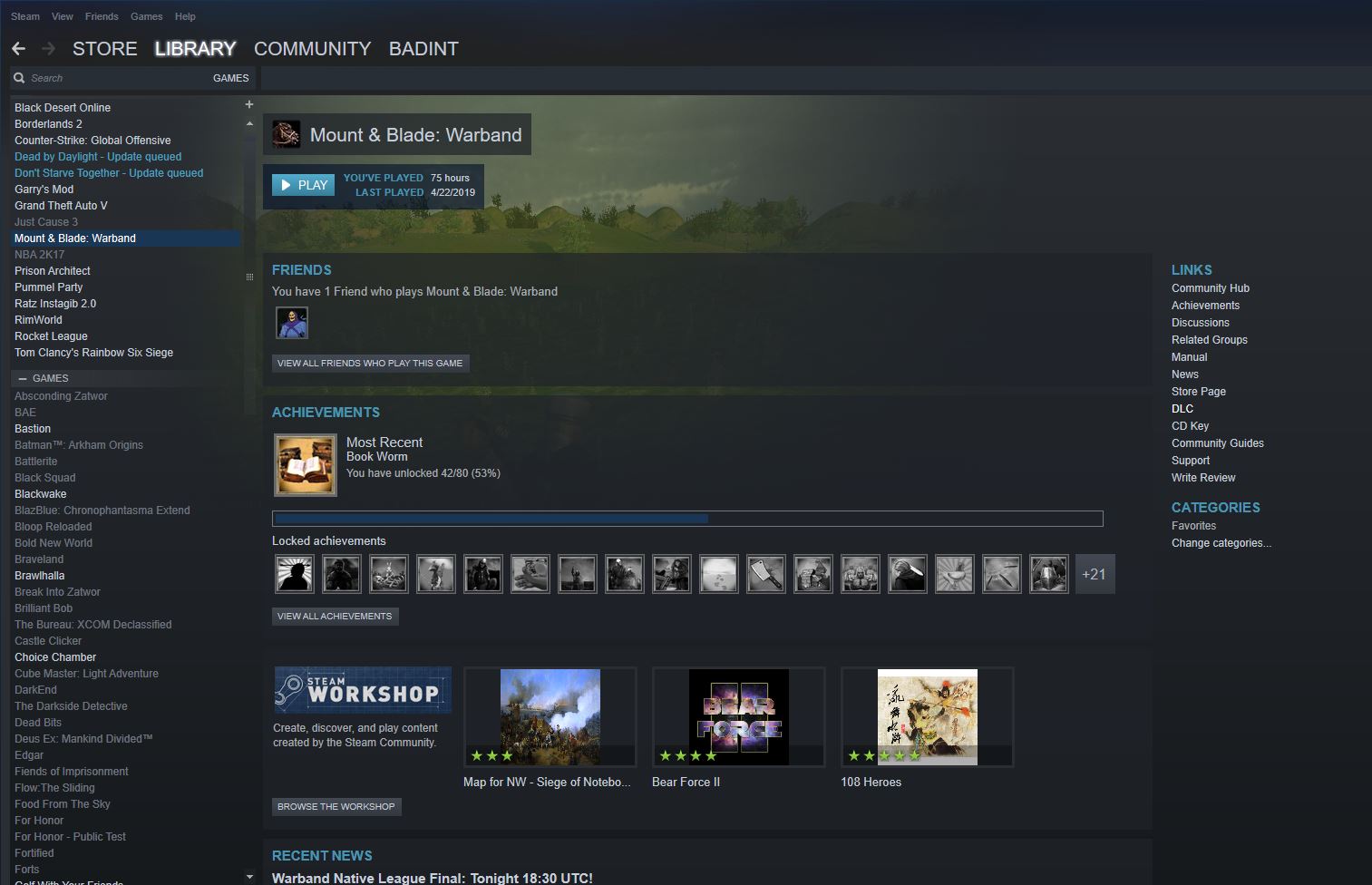
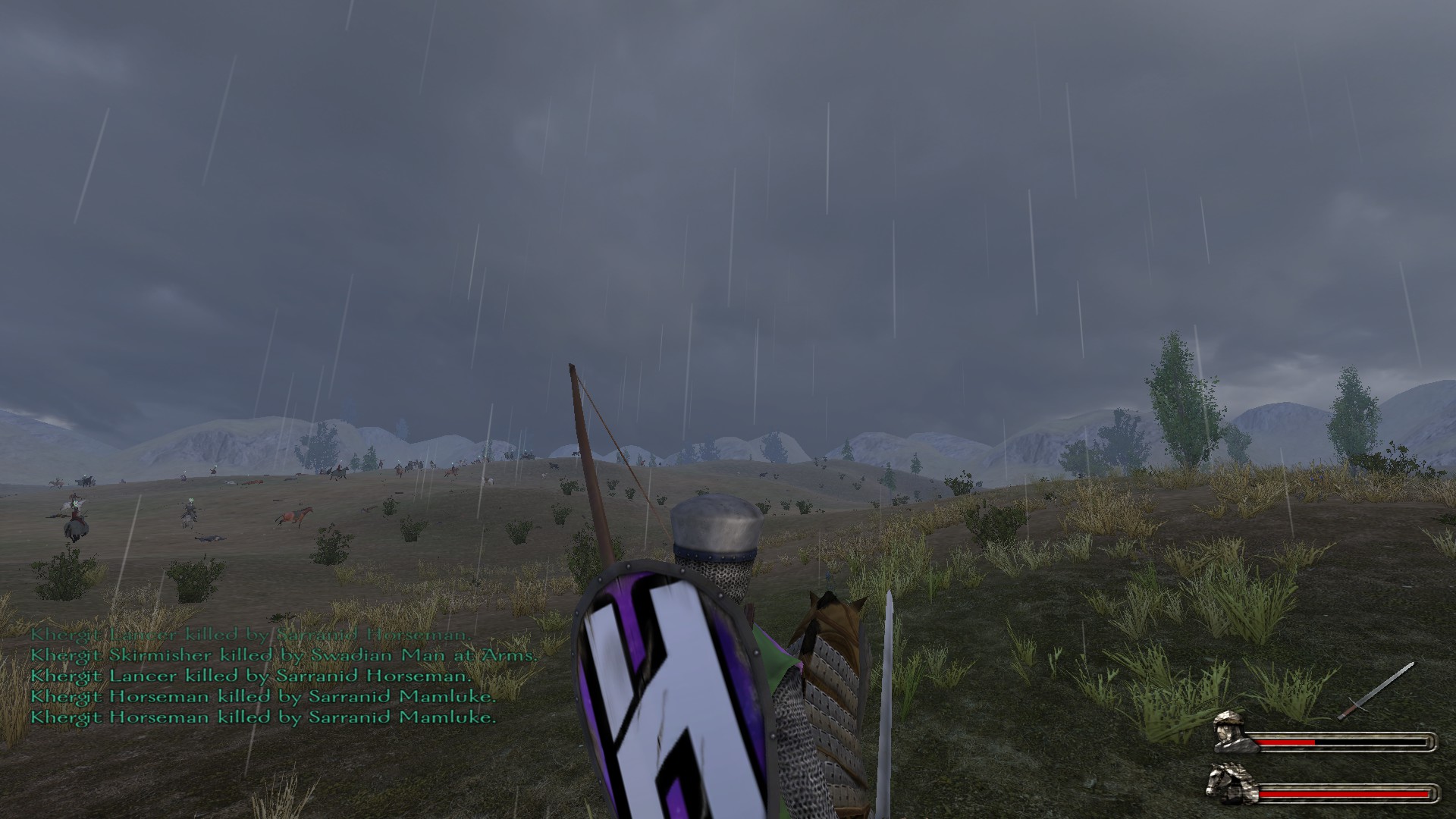
    • The classic RPG (role playing game)/Sandbox experience. This old 2010 game lets you take your character and lead them from peasantry to nobility to becoming the king of all of Calradia. You choose nearly every aspect of your journey, you fight vassals of other realms in wars. This game gives you a good idea of what the combat systems of medieval games such as For Honor and the newly released Mordhau are like. This is a necessity for anyone interested in medieval games or even for anyone interested in games where you command an army. As the mount and blade community patiently waits for bannerlord, this game continues to drop in price and can be found for as low as a dollar.
  • Assassin’s Creed: Odyssey
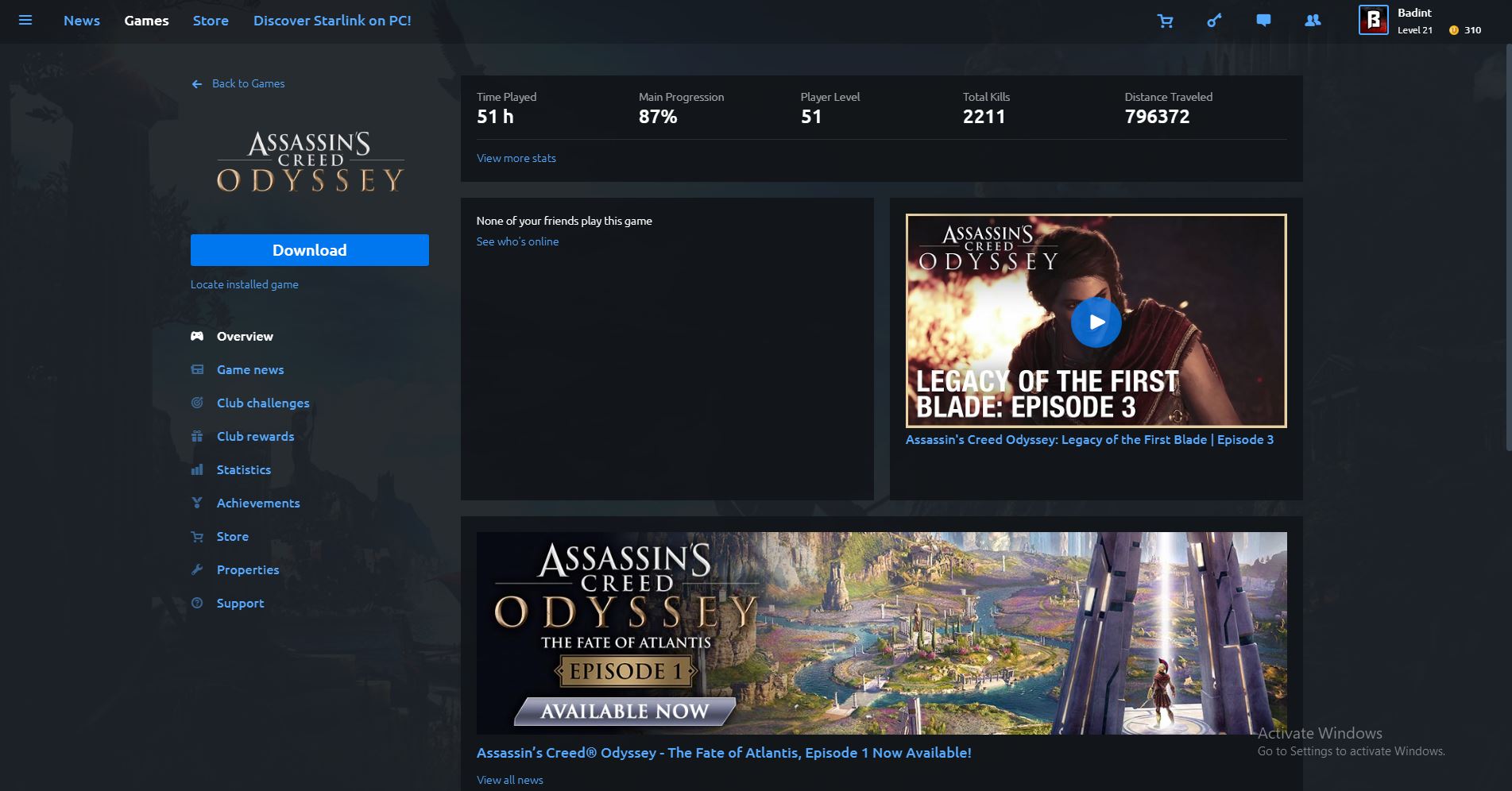
    • I chose this game for my modern triple-A rpg partially because I haven’t gotten around to playing other recommended titles such as the Witcher 3. This game was an absolute blast, and getting it legitimately for free added even more to this enjoyment. The journey across ancient Greece didn’t feel slow or monotonous and it was a great game to experience.
  • Rocket League
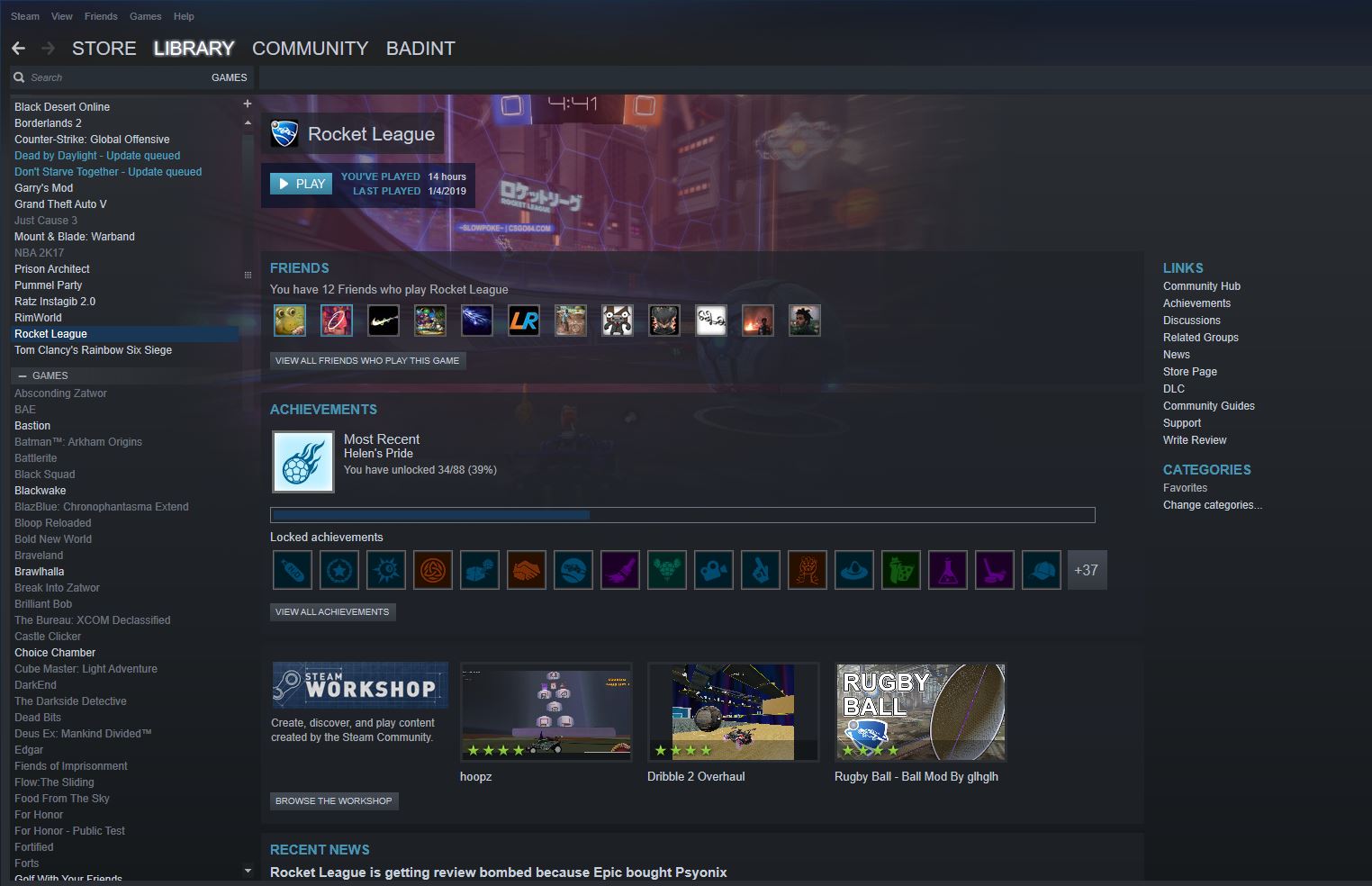
    • This is a game that I don’t personally have much experience in, but it is recommended heavily by my peers. I got it for free for buying my GPU. It has a competitive esports scene and is basically just a game about soccer with rocket-powered cars.
  • Just Cause 3
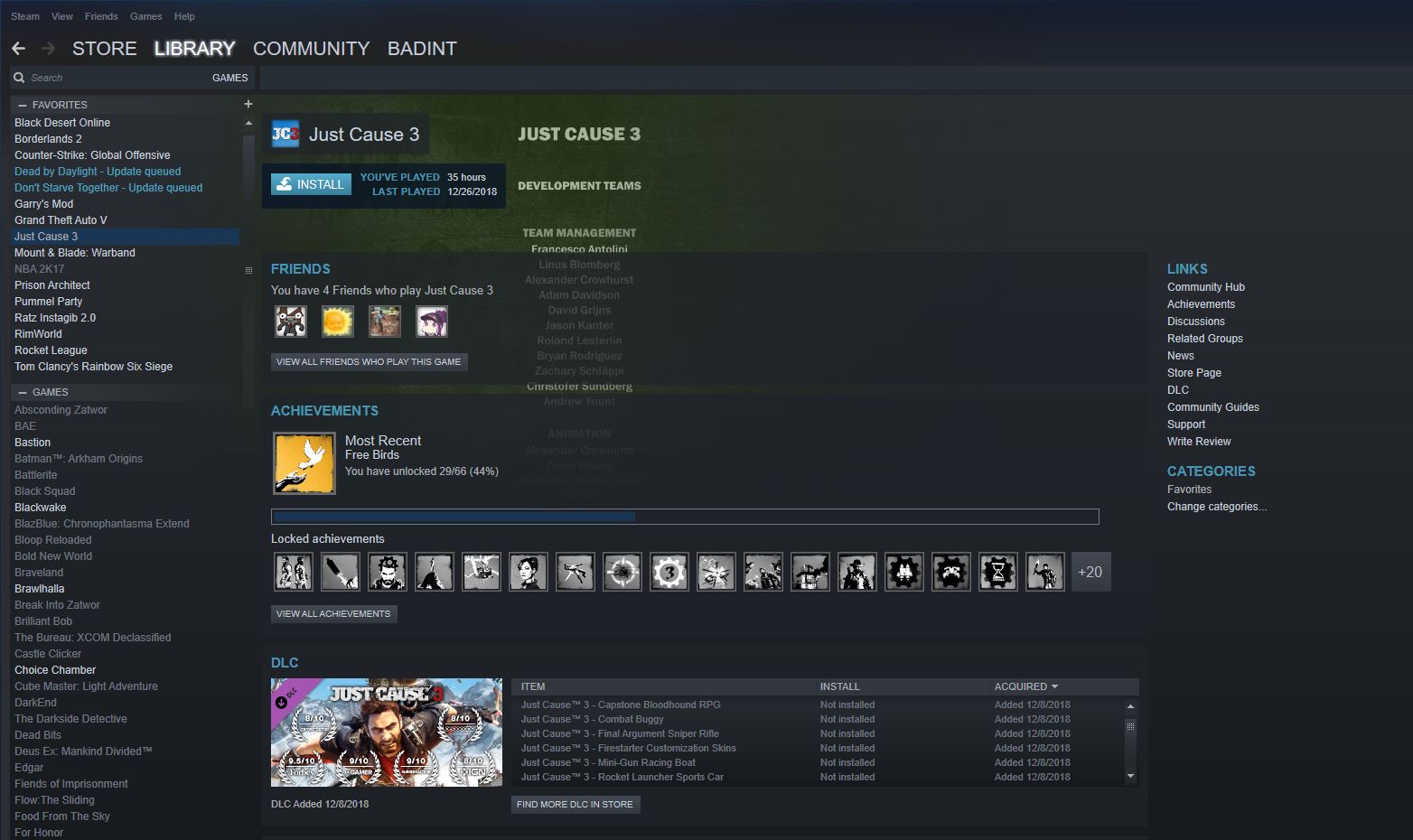
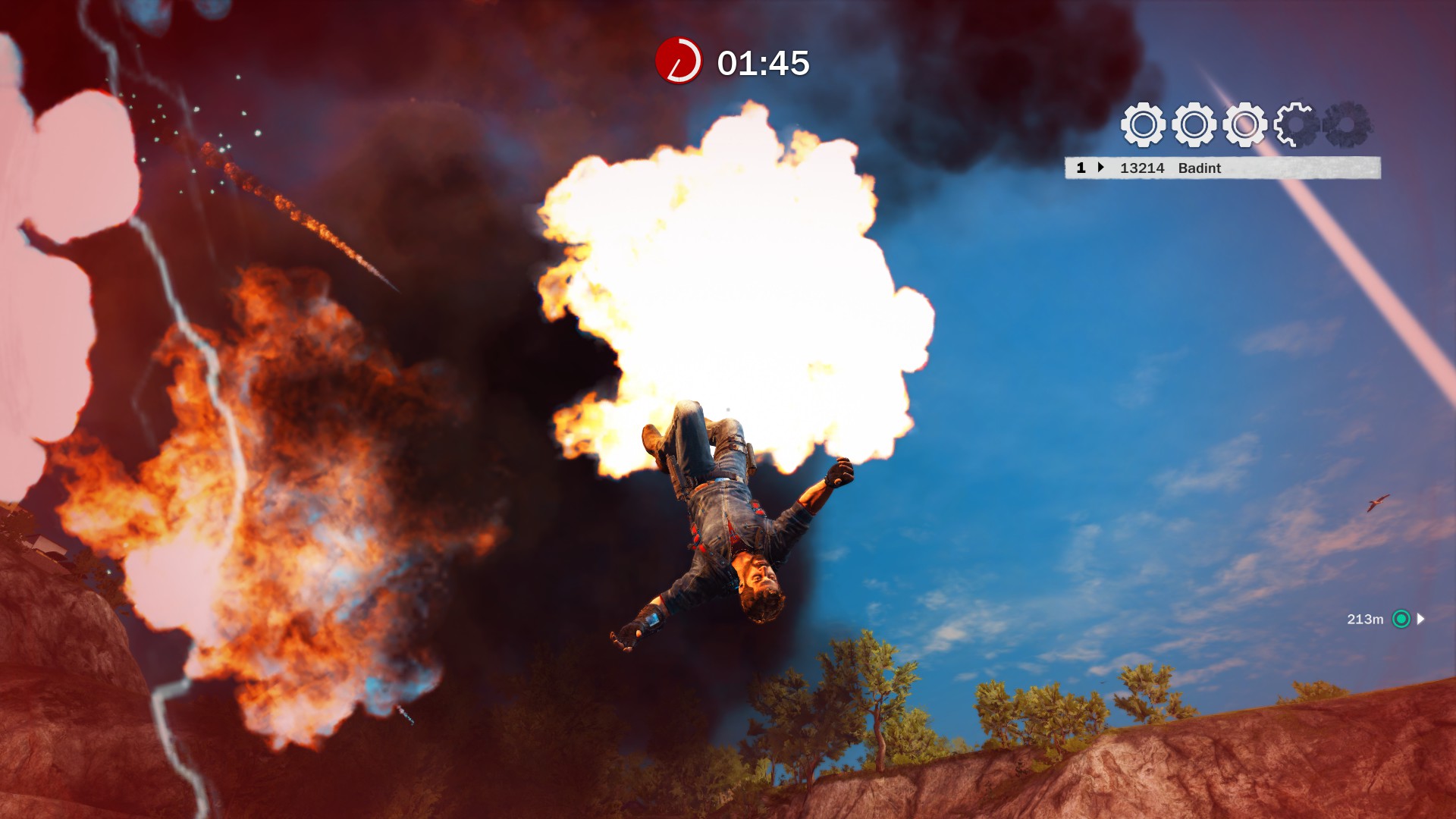
    • My personal favorite open world game over titles such as GTA V, and the fry cry series. In GTA, the gameplay and weapon management is kind of clunky for me (not that it isn’t somewhat in JC3). If someone presses f while you are driving in GTA, you jump onto the highway and take hefty damage. In Just Cause 3, when you are in a helicopter and someone presses f, you jump out of the helicopter but you can use your Spider Man grappling hook to hang on to the bottom and grapple yourself back in. Just Cause allows you to create massive explosions and fly around in beautiful environment. This game will likely become very cheap because Just Cause 4 has been released, but I do not recommend continuing this series with Just Cause 4,
  • GTA San Andreas
    • The best GTA and the classic Open World.
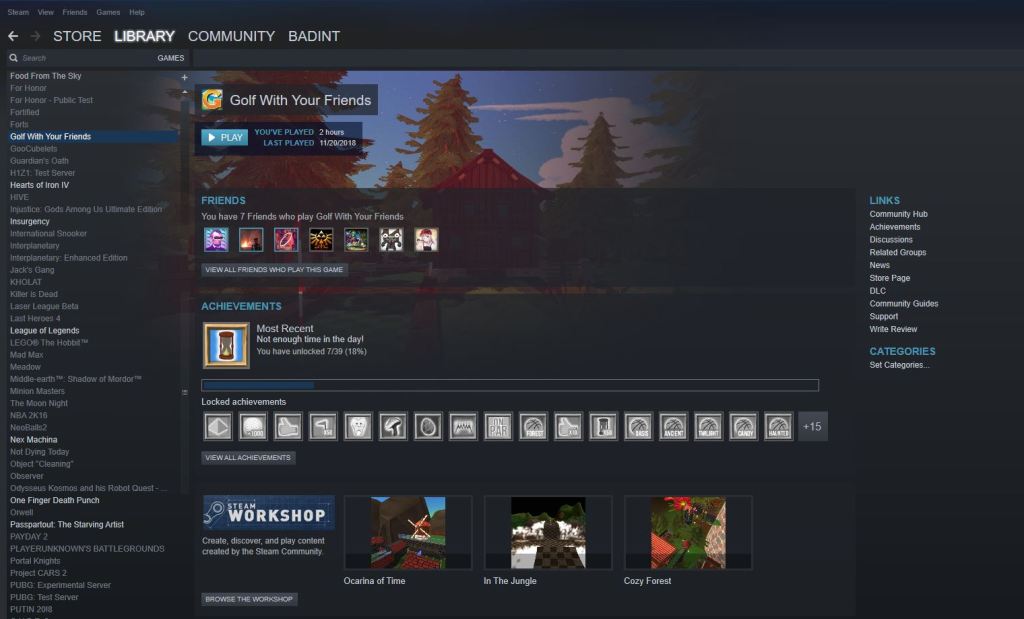
  • Golf With Your Friends
    • Mini golf on with friends or randoms on PC
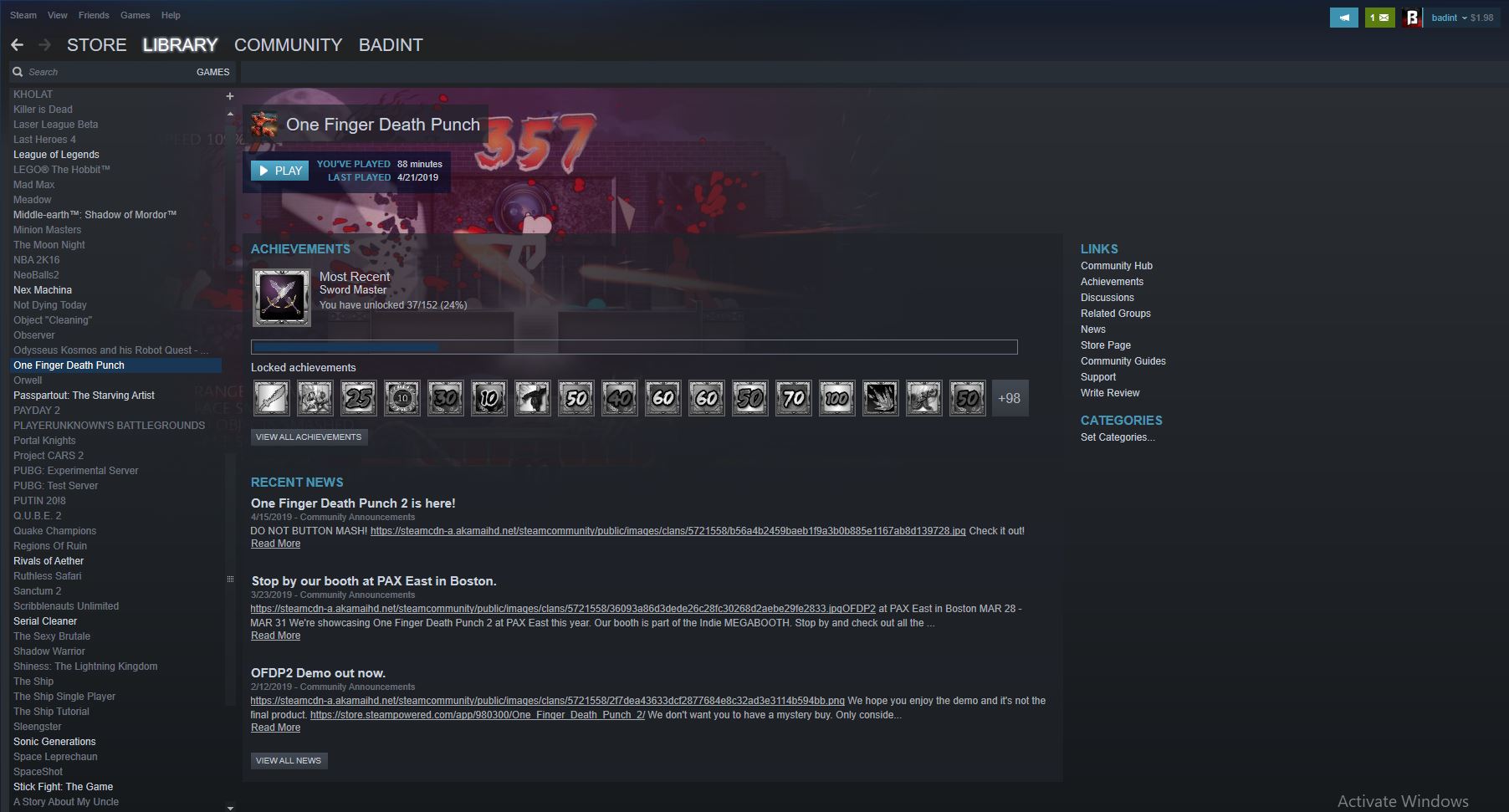
  • One Finger Death Punch
    • This is one of the most fun experiences you can have. Don’t let the clunky graphics dissuade you, this game can keep you playing for hours. Sadly, there is only about 5 hours of content you can squeeze out of it. Don’t play the mobile game, it is not nearly as fun and the ads are required (you need a connection to play).

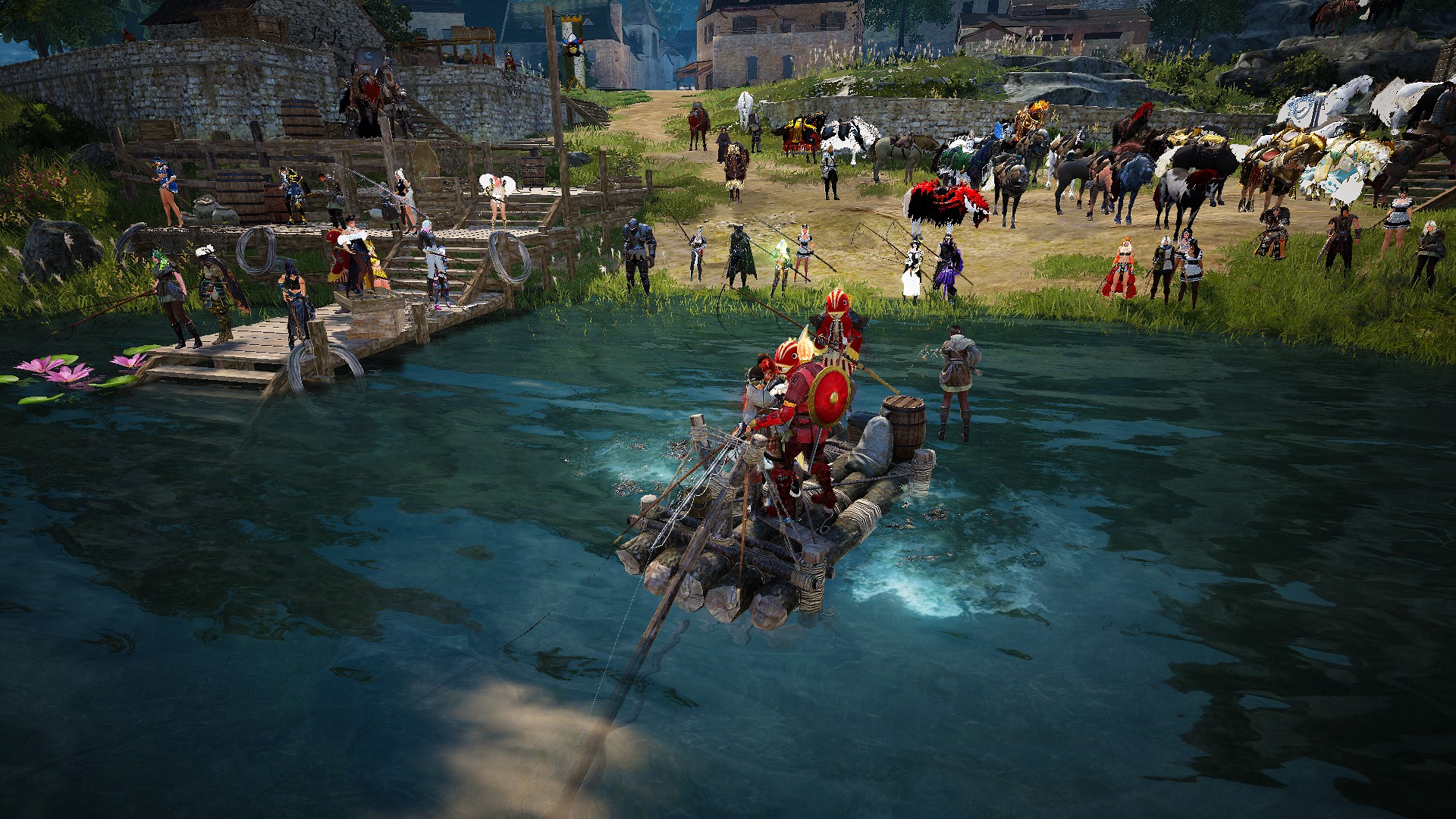
There are other genres of games on PC such as MMOs or MMORPGS, but I did not put them on my list because they typically require a pretty large time investment.

The MMORPG Black Desert Online

Hardware Overview

Before you start playing games, it is a good idea to at least familiarize yourself with the various components of your PC. This way, you can resolve problems and make necessary upgrades to your system without going out and just buying a whole new one. This post will not be a full on guide to building a PC, as this is an intricate process with people a lot better than me out there. If you would like to look into this topic further, sites such as pcpartpicker and YouTube channels and videos such as Paul’s Hardware’s guide to setup a new PC, BPS Customs, and Joey Delgado, are all good resources I used to build my PC. I would recommend staying away from tech journalists and sites like the Verge, as they typically don’t offer the best recommendations.

PC with bad cable management

The primary marketplace for PC components is Newegg, not Amazon. This is because Newegg does not add taxes to their components and offer very competitive prices. If you’d like to go to a physical store, I would recommend MicroCenter over Best Buy or any other store. Best Buy’s employees are typically not trained very thoroughly in PC knowledge, as they are trying to sell all of their products. MicroCenter on the other hand, offers typically lower prices, great bundles, and many of their employees are passionate PC enthusiasts. Other places to shop for PC parts include Fry’s Electronics, and other local stores.

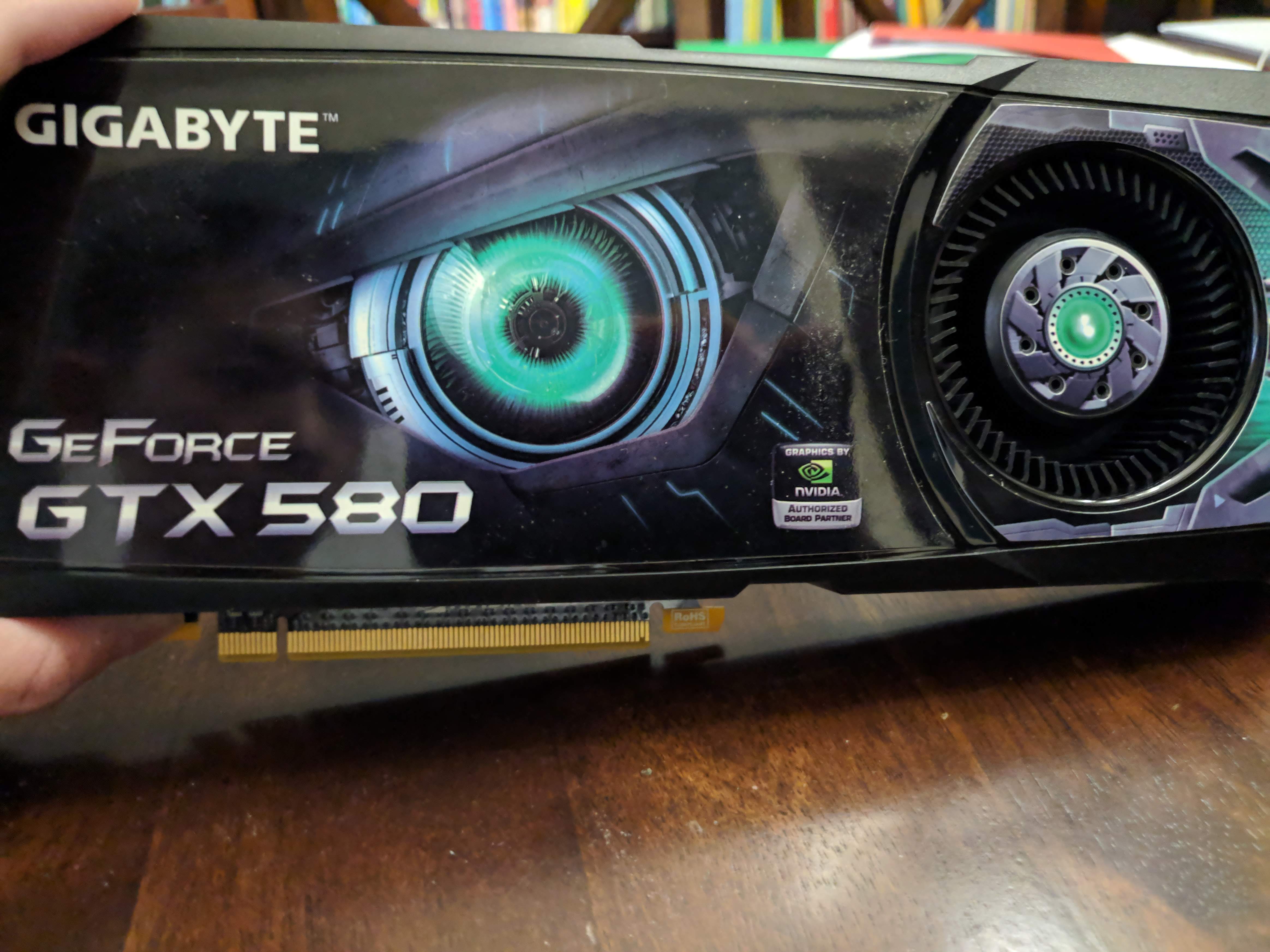
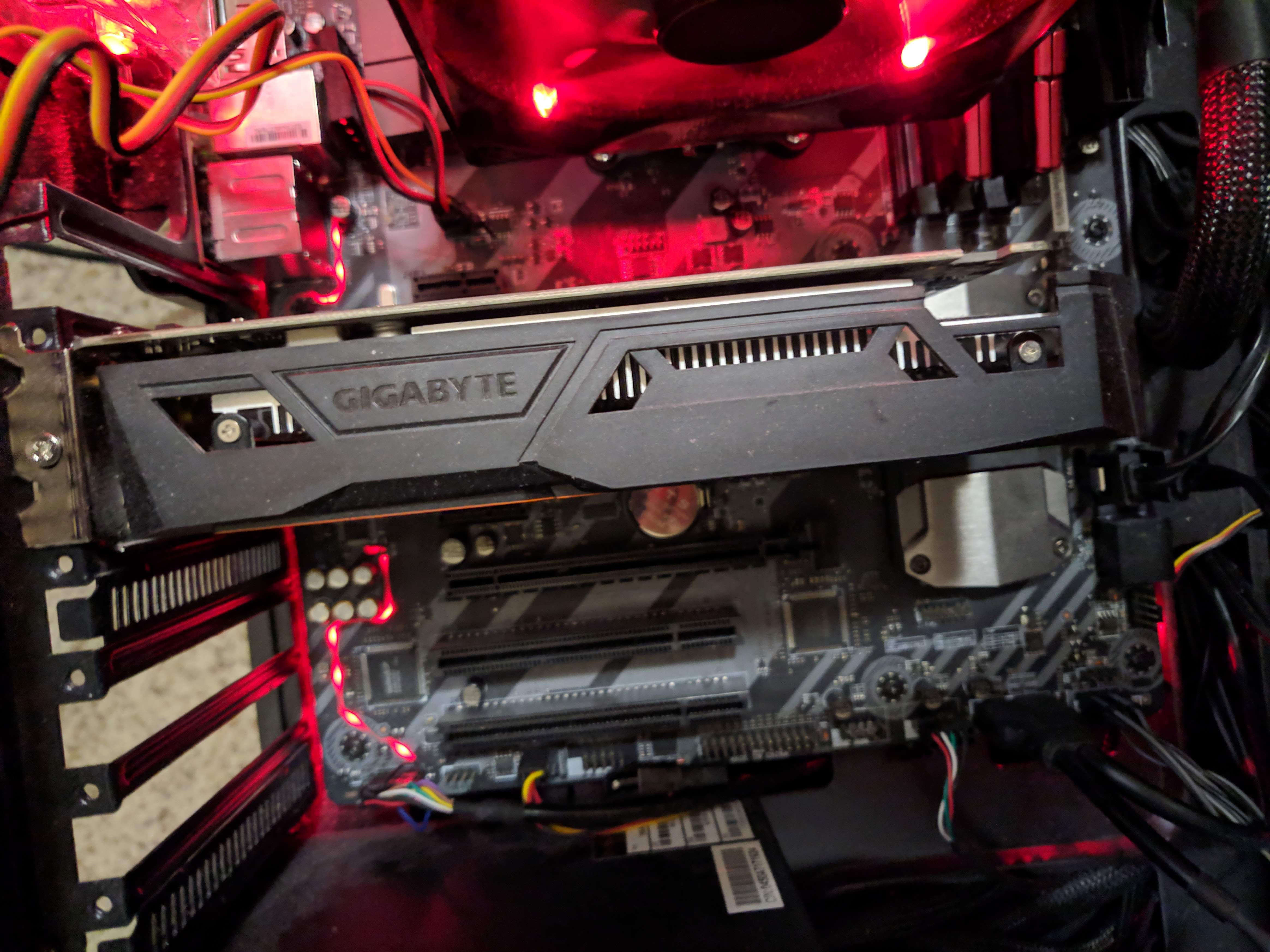
The most important part in a gaming system is the GPU, or graphical processing unit. There is an association between better graphics cards and better gaming performance. A good graphics card will enable you to run many new games at high resolutions and frame rates. The two main players in this business are NVIDIA and AMD, with NVIDIA taking the majority of the market share. This should cost the majority of the price of your system (up to ⅗ the price).

A bulky old GTX 580, very high end when it came out
My GTX 1050 TI, a budget card.

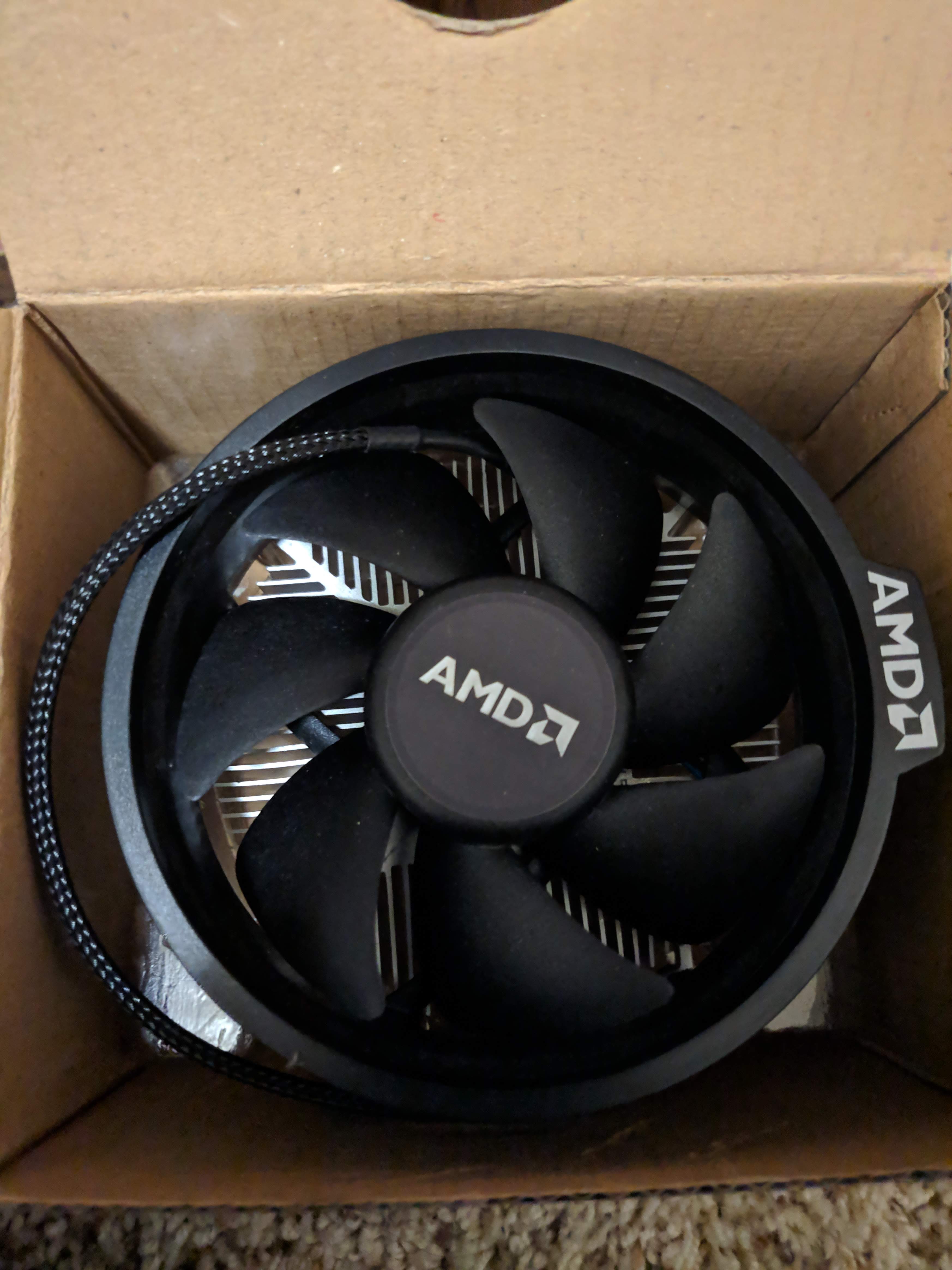
The CPU is the main processing unit of your computer, and most of your computer’s instructions are run through it. There are two main players in the CPU marketplace, Intel and AMD. AMD Ryzen is more applicable for streaming and multitasking purposes while Intel known to be better for straight up gaming performance. AMD has been gaining on Intel lately, as they released CPUs with much better stock coolers and in many people’s opinions, better value. At the very high end of CPUs, there are the AMD threadrippers and Intel i9s, and for budget builds, I would recommend buying either Pentiums for Intel or Ryzen 3s for AMD.  Even though there are cheaper options than those, they would bottleneck other components in your system (cause other parts to lag behind their peak performance) .

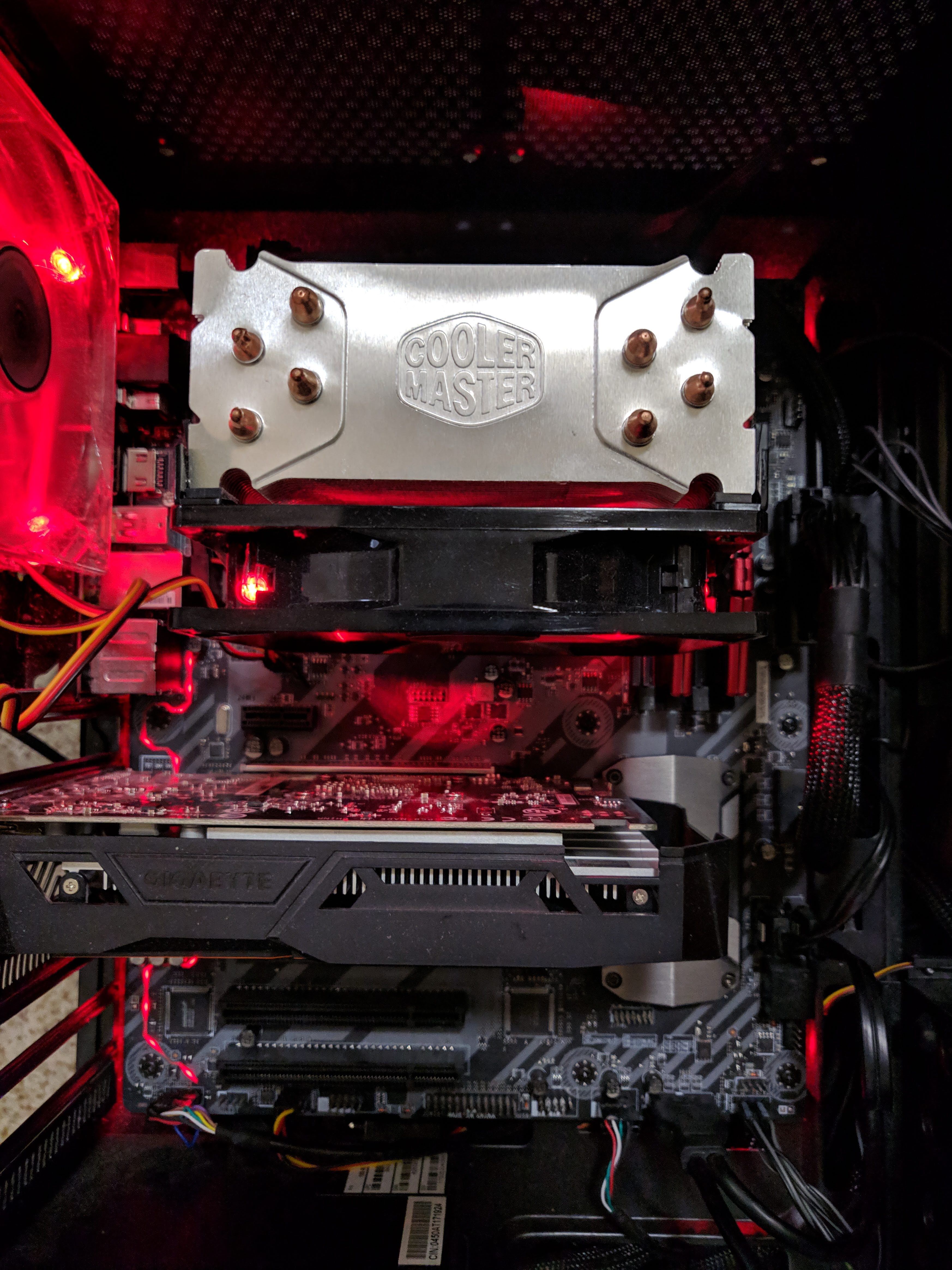
For CPU coolers, it is recommended by many to not go with the stock cooler the CPU comes with, as one would have difficulties overclocking (tuning your CPU to run past stock performance). This means that you should buy your own cooler. There are two ways to cool your system: water cooling and air cooling. Water cooling is often advertised as more effective because water can disperse heat better, but this also means that it is more expensive. One can design his own piping and pumps inside their system, but most people just end up buying an All-In-One water cooler. I personally prefer air coolers because I can afford them and they have a nice aesthetic, with my primary example being the G100M from Cooler Master.

AMD’s stock cooler

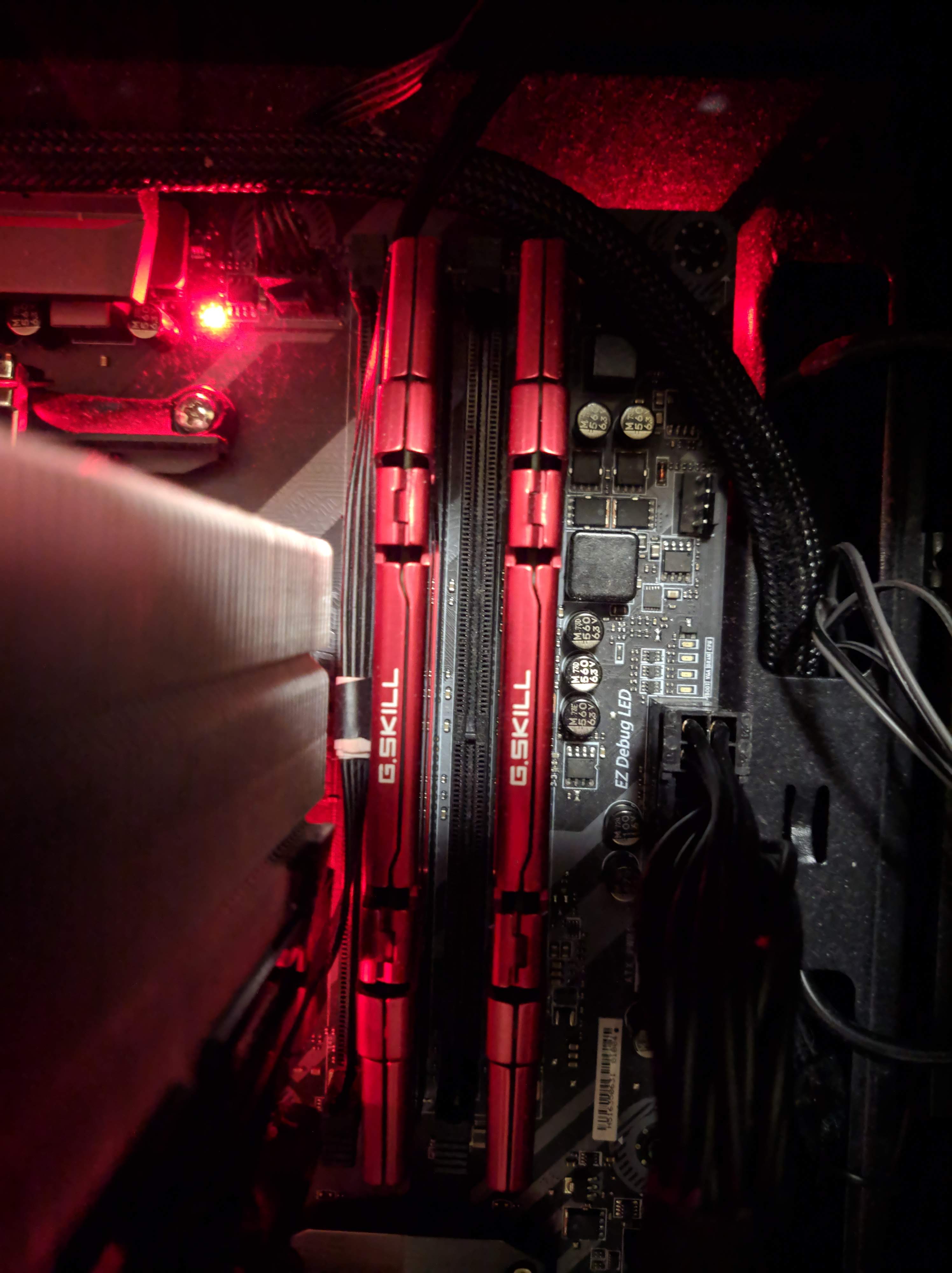
RAM, or random access memory, is where your programs are run. It is very fast in reading storage information and expensive to manufacture. It is recommended to have at least 8gb of RAM for normal gaming use and at least a speed of 3000 mhz for AMD CPUs. It is a good idea to buy 16gbs to futureproof your system.

Red G.SKILL RAM.

The motherboard is where all your components are connected to. The BIOS, or system before windows is connected to your motherboard. Various motherboards enable overclocking on a system (B450 and X470 for AMD).

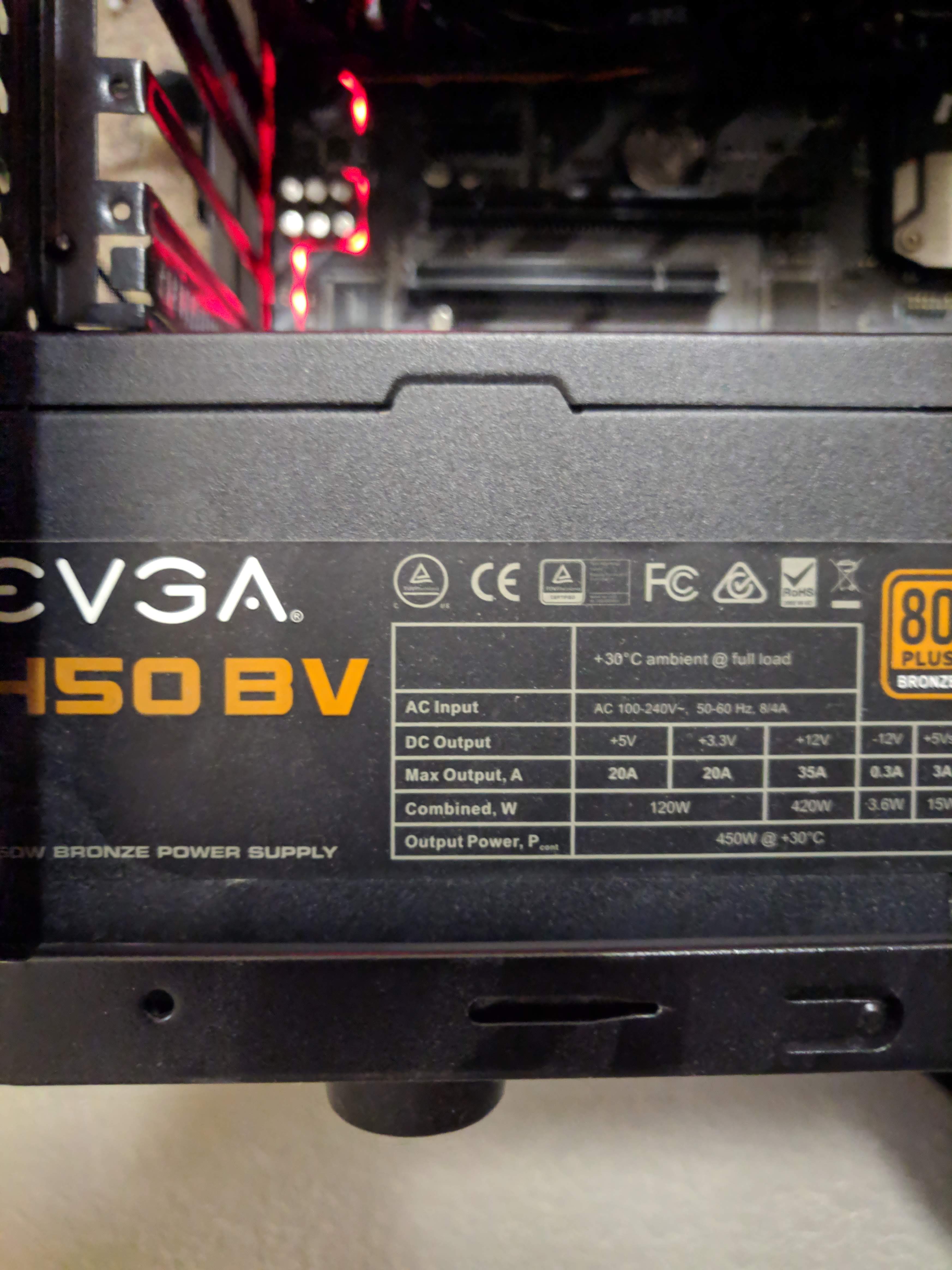
The Power Supply is the heart of your system,  where power is provided to the other components. It is recommended to get at least an 80 plus certified power supply, for a long run time. Power supplies can also be modular, meaning you choose what cables to connect to it. This makes cable management a lot easier.

80+ Bronze Power Supply

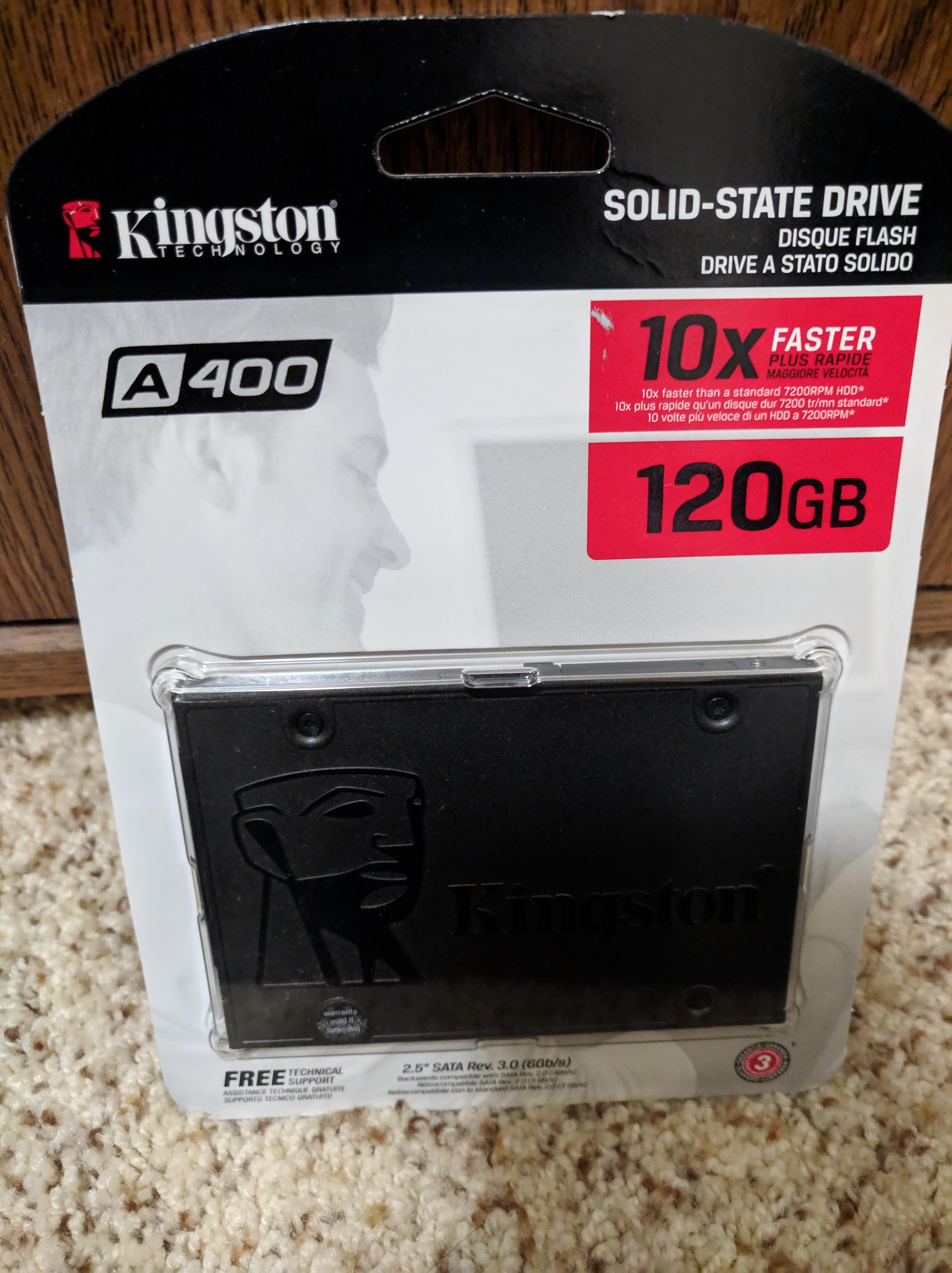
There a 2 forms of storage, SSDs and HDDs, with SSDs offering fast storage and thus fast loading times while HDDs offering large amounts of storage at a cheap price. It is recommended to install operating systems and important applications onto SSDs and large games onto HDDs. If you are getting an HDD, I recommend getting at least a speed of 7200 rpm.

120 GB SSD

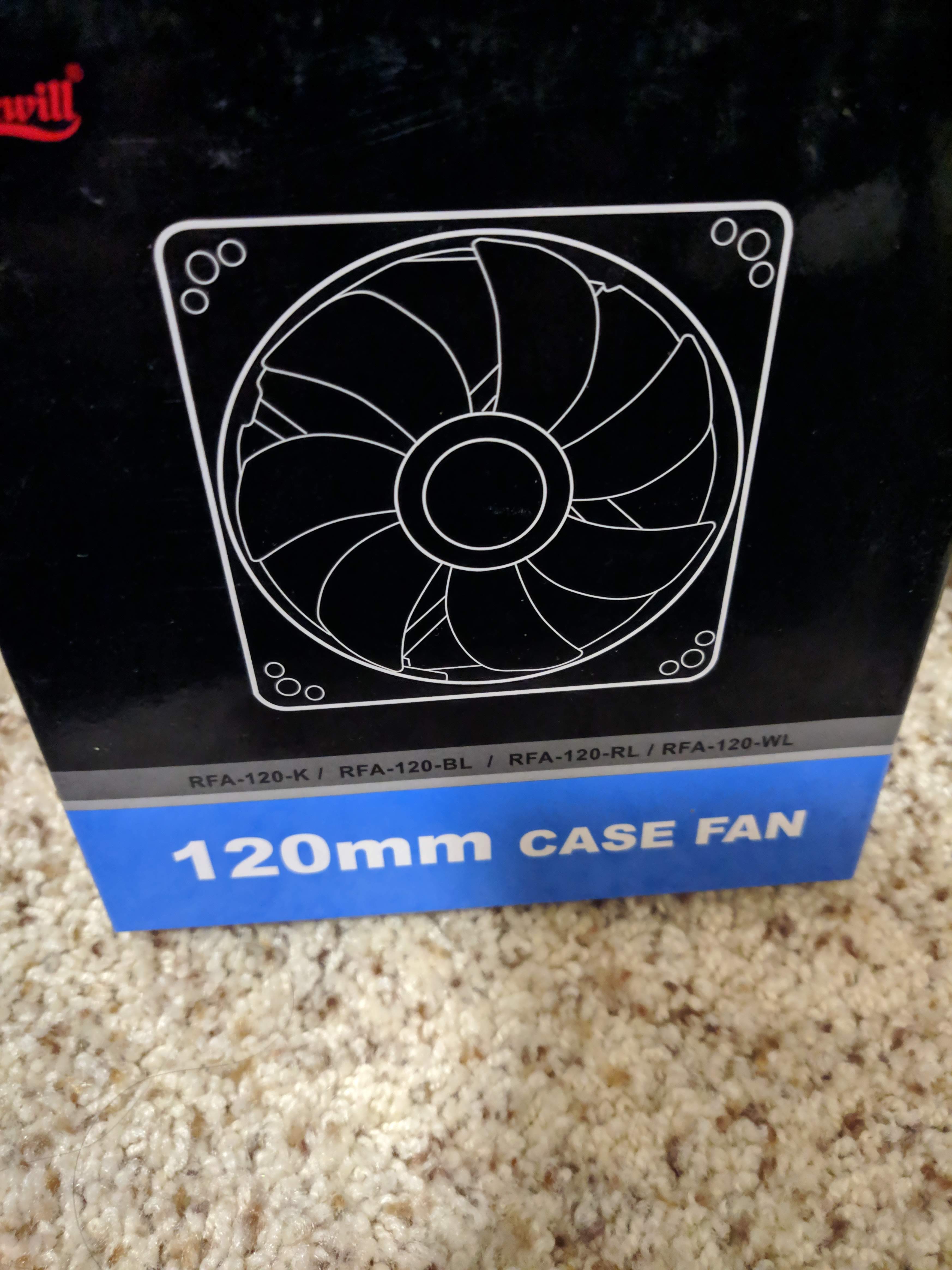
When buying a case, I recommend getting a tempered glass side panel, as this doesn’t scratch easily and is very visually appealing. Another thing to consider is having good cable management and ventilation throughout your system. This ventilation can be achieved through buying accessories such as case fans, other accessories to consider include keyboards, mice and headsets.

In terms of operating systems, Windows typically offers the best performance in gaming, as there is minimal interference and basically all games are supported. You can also install MacOS(hackintosh)on your own system, but apple doesn’t support it. Other options include linux.

However, the most important thing to get in any gaming system, more important than any item above, is a gaming chair 🙂

Where To Start?

PC gaming offers in my opinion the best gaming experience on any modern platform. The accessibility of games and the convenience to use all contribute to this idea. Additionally, a personal computer offers someone a chance to choose to pay what they want and completely customize their system. PC gaming can be portable in the forms of laptops and can be done effectively at an unlimited price range. Newcomers are occasionally overwhelmed by the complexity of this process. To get started, one will need to download the necessary software if you have a system ready.

Before you start this process, please make sure you have the necessary computer hardware and specifications described to as the minimum to run your desired game. Especially, make sure to have a proper graphical unit for your game. A game like League won’t require anything more than integrated graphics, but if you want to play a new triple A game I would recommend at least having a dedicated GPU.

League of Legends Client

In terms of accessories, RGB mice, lights, and mechanical keyboards are typically desired and can be used to show off your setup. I will address the hardware aspects of PC gaming in my next post.

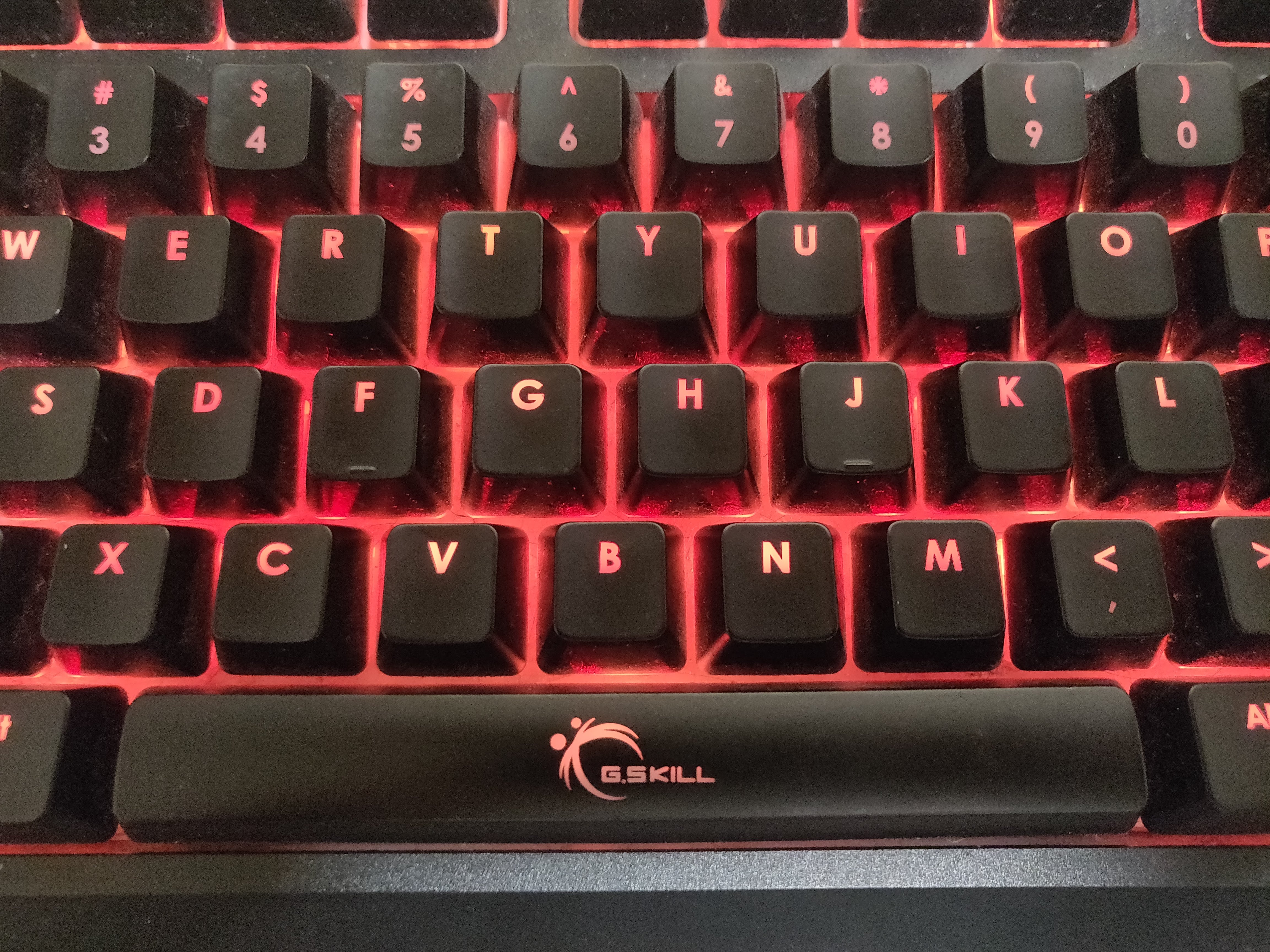
Dusty G.Skill Mechanical Keyboard (Cherry MX Brown Switches)

The first thing you should do if you have a new PC is to download or update the necessary drivers for the various components of your system. You should make sure your motherboard BIOS and graphics cards drivers are up to date. If you are playing on a prebuilt or a new laptop, these are probably already done for you.

The next step is to download your game launchers or your games. There exist systems known as DRM (digital rights management) to prevent piracy of games (but single player games are still really easy to pirate – proceed with caution). This basically requires that your own a launcher to own a game, because the game is connected to the launcher’s server. Though quite controversial due to privacy and other concerns, these have become a necessity to play PC games. Think of them as like app stores for actual games. These are also recommended to be installed on SSDs. I ordered my software list in order of relevance in my opinion.

Steam, the most popular DRM game software

My list of software to download can be found here