
PC gaming offers in my opinion the best gaming experience on any modern platform. The accessibility of games and the convenience to use all contribute to this idea. Additionally, a personal computer offers someone a chance to choose to pay what they want and completely customize their system. PC gaming can be portable in the forms of laptops and can be done effectively at an unlimited price range. Newcomers are occasionally overwhelmed by the complexity of this process. To get started, one will need to download the necessary software if you have a system ready.
Before you start this process, please make sure you have the necessary computer hardware and specifications described to as the minimum to run your desired game. Especially, make sure to have a proper graphical unit for your game. A game like League won’t require anything more than integrated graphics, but if you want to play a new triple A game I would recommend at least having a dedicated GPU.

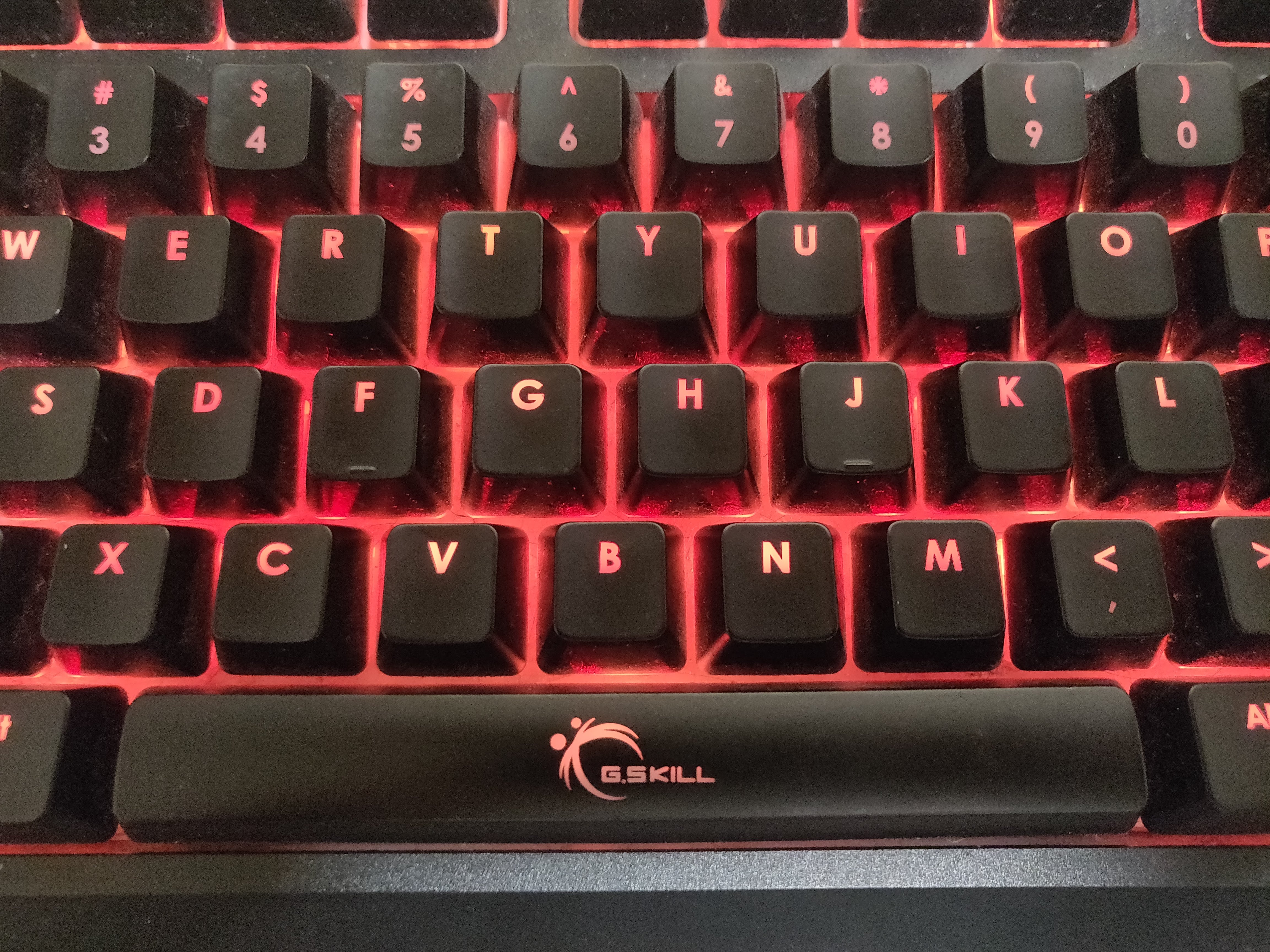
In terms of accessories, RGB mice, lights, and mechanical keyboards are typically desired and can be used to show off your setup. I will address the hardware aspects of PC gaming in my next post.
The first thing you should do if you have a new PC is to download or update the necessary drivers for the various components of your system. You should make sure your motherboard BIOS and graphics cards drivers are up to date. If you are playing on a prebuilt or a new laptop, these are probably already done for you.
The next step is to download your game launchers or your games. There exist systems known as DRM (digital rights management) to prevent piracy of games (but single player games are still really easy to pirate – proceed with caution). This basically requires that your own a launcher to own a game, because the game is connected to the launcher’s server. Though quite controversial due to privacy and other concerns, these have become a necessity to play PC games. Think of them as like app stores for actual games. These are also recommended to be installed on SSDs. I ordered my software list in order of relevance in my opinion.
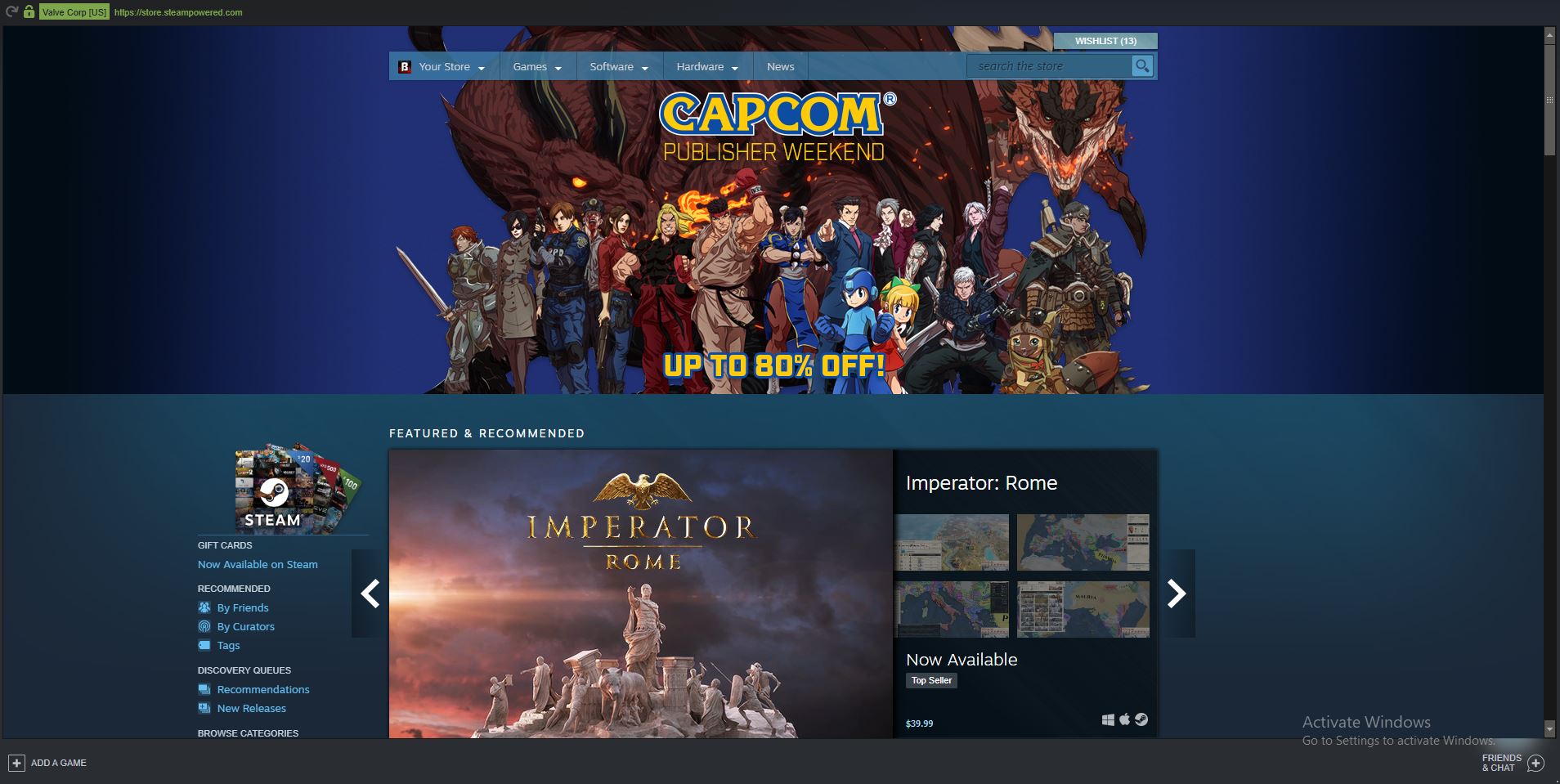
My list of software to download can be found here
 GOGblog