
Before you start playing games, it is a good idea to at least familiarize yourself with the various components of your PC. This way, you can resolve problems and make necessary upgrades to your system without going out and just buying a whole new one. This post will not be a full on guide to building a PC, as this is an intricate process with people a lot better than me out there. If you would like to look into this topic further, sites such as pcpartpicker and YouTube channels and videos such as Paul’s Hardware’s guide to setup a new PC, BPS Customs, and Joey Delgado, are all good resources I used to build my PC. I would recommend staying away from tech journalists and sites like the Verge, as they typically don’t offer the best recommendations.
The primary marketplace for PC components is Newegg, not Amazon. This is because Newegg does not add taxes to their components and offer very competitive prices. If you’d like to go to a physical store, I would recommend MicroCenter over Best Buy or any other store. Best Buy’s employees are typically not trained very thoroughly in PC knowledge, as they are trying to sell all of their products. MicroCenter on the other hand, offers typically lower prices, great bundles, and many of their employees are passionate PC enthusiasts. Other places to shop for PC parts include Fry’s Electronics, and other local stores.
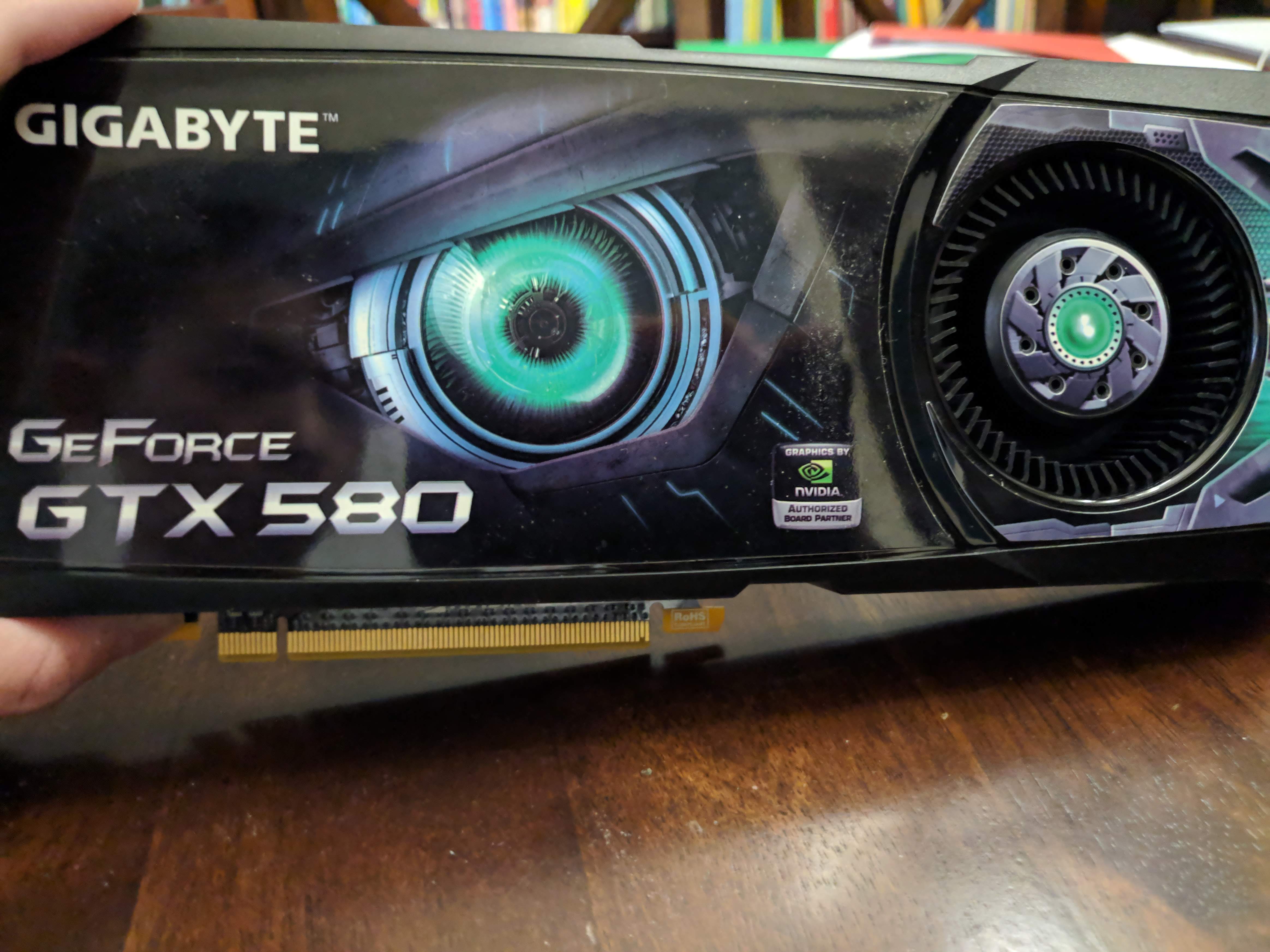
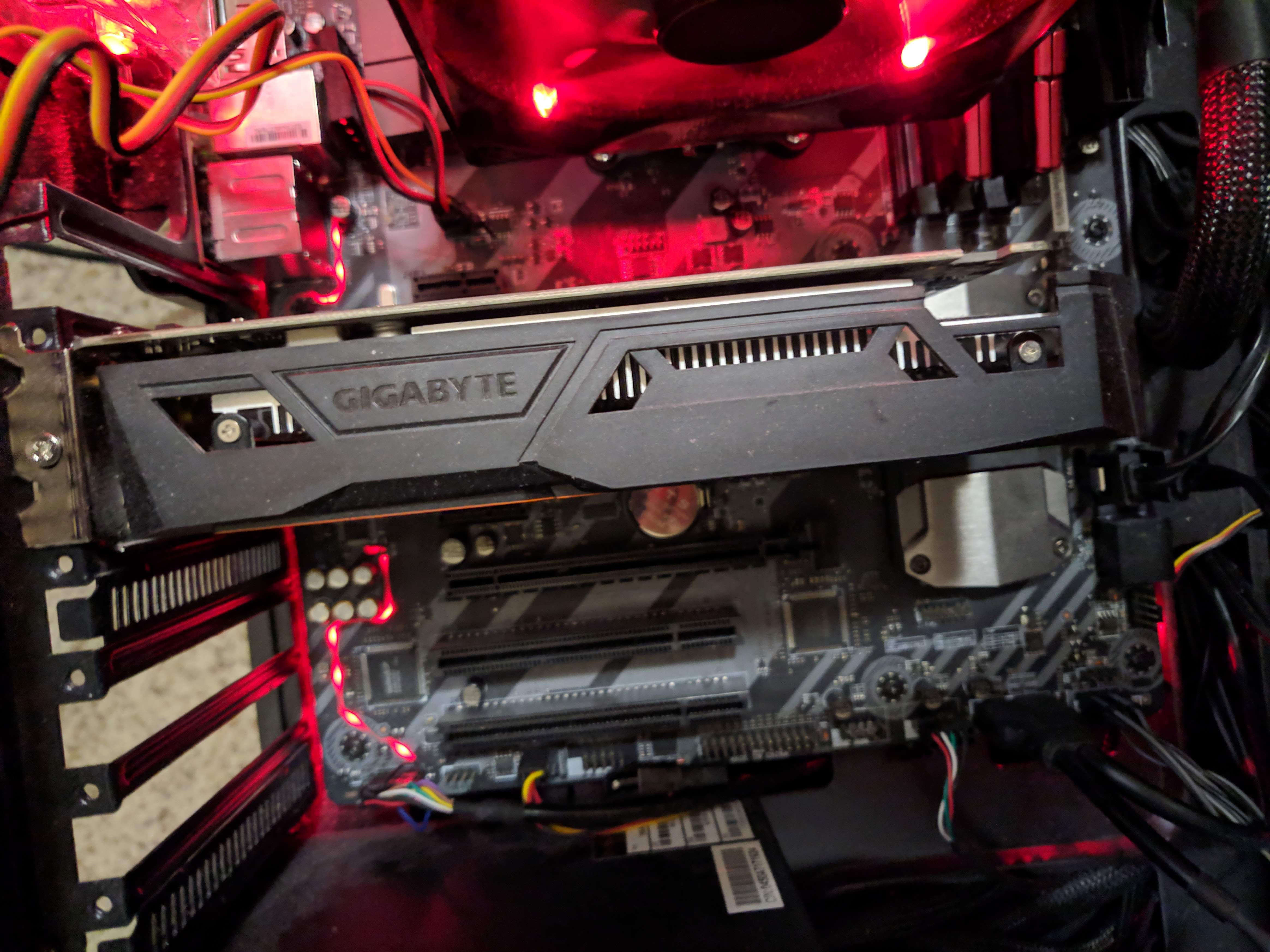
The most important part in a gaming system is the GPU, or graphical processing unit. There is an association between better graphics cards and better gaming performance. A good graphics card will enable you to run many new games at high resolutions and frame rates. The two main players in this business are NVIDIA and AMD, with NVIDIA taking the majority of the market share. This should cost the majority of the price of your system (up to ⅗ the price).
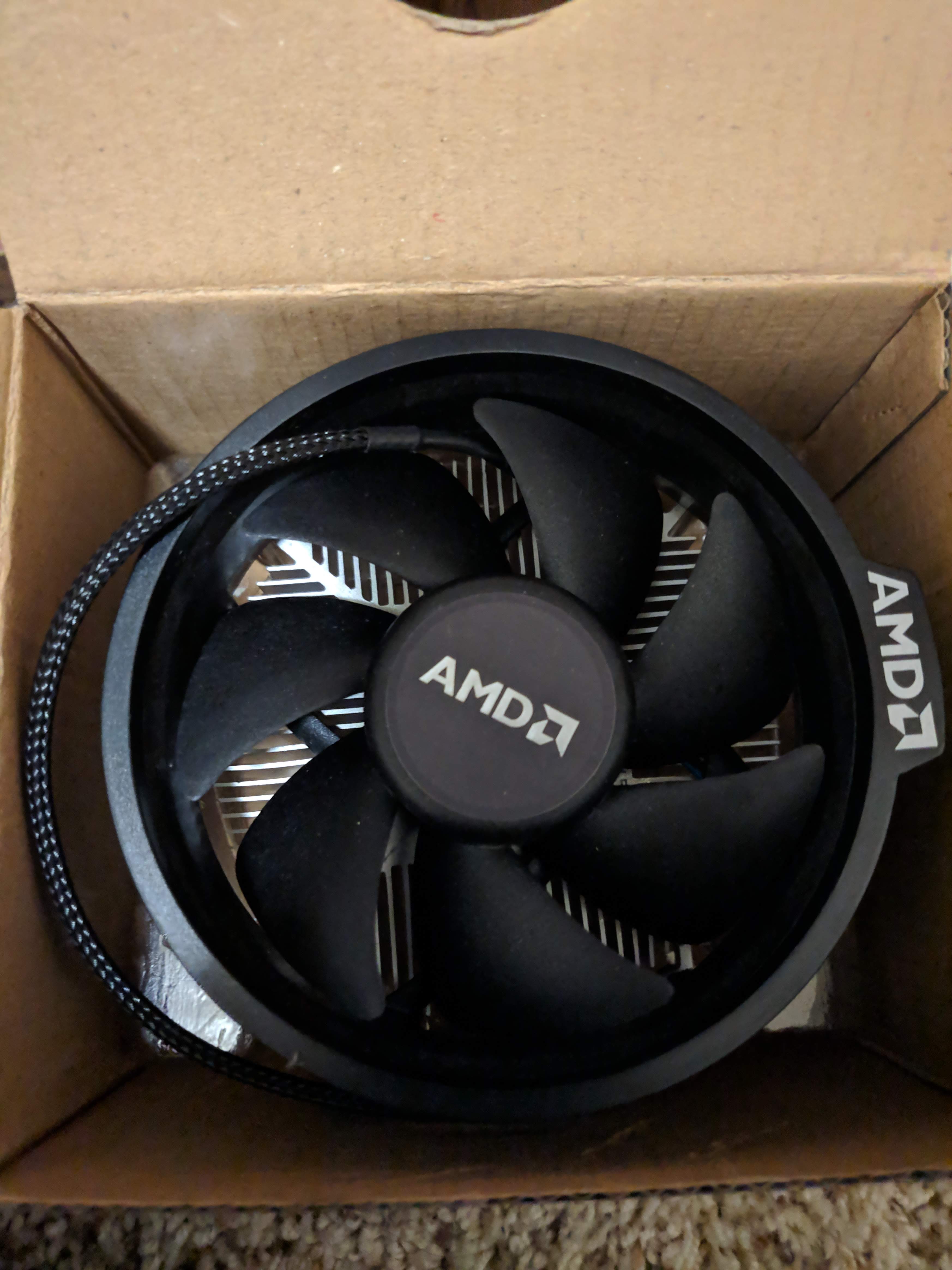
The CPU is the main processing unit of your computer, and most of your computer’s instructions are run through it. There are two main players in the CPU marketplace, Intel and AMD. AMD Ryzen is more applicable for streaming and multitasking purposes while Intel known to be better for straight up gaming performance. AMD has been gaining on Intel lately, as they released CPUs with much better stock coolers and in many people’s opinions, better value. At the very high end of CPUs, there are the AMD threadrippers and Intel i9s, and for budget builds, I would recommend buying either Pentiums for Intel or Ryzen 3s for AMD. Even though there are cheaper options than those, they would bottleneck other components in your system (cause other parts to lag behind their peak performance) .
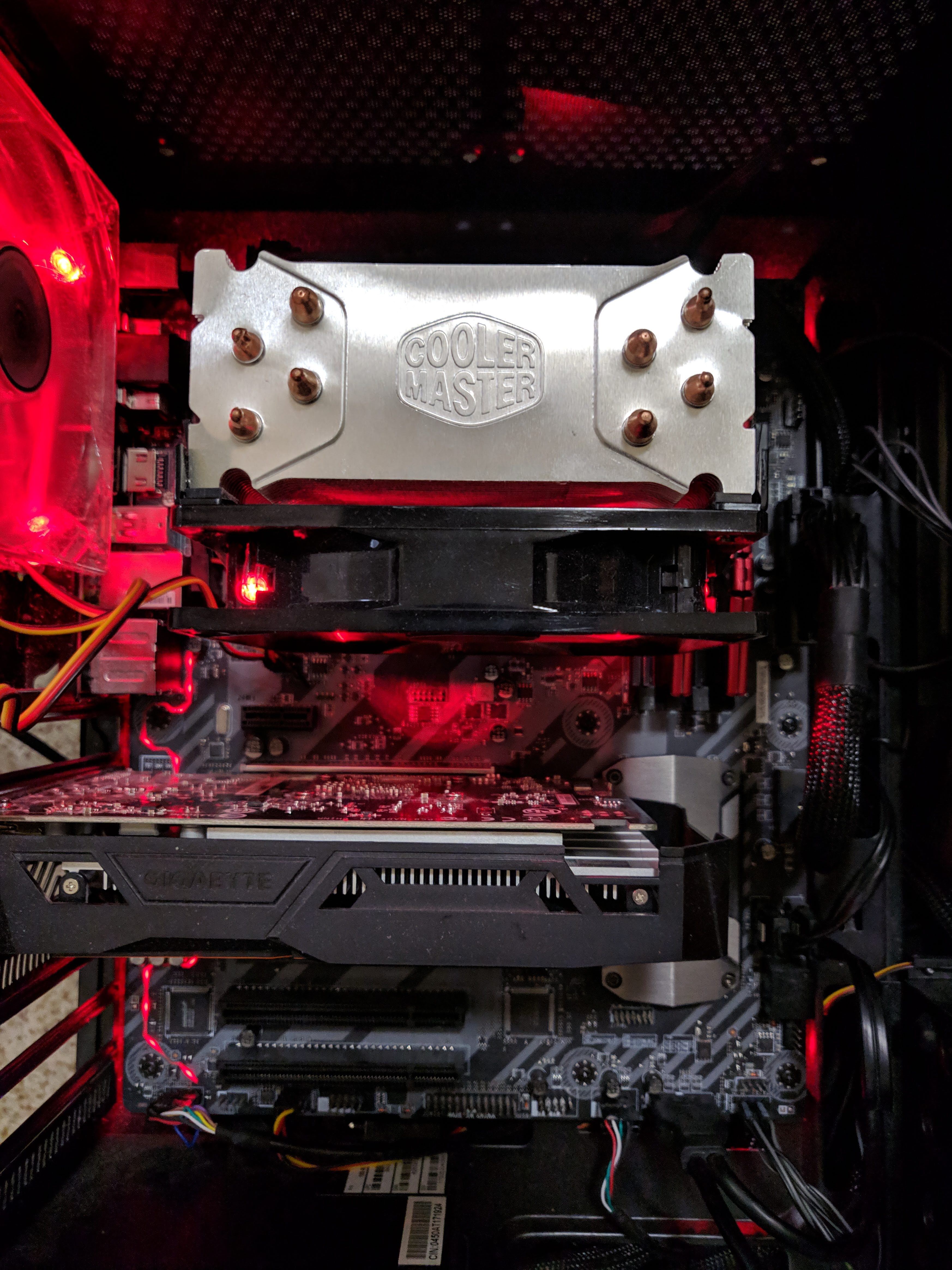
For CPU coolers, it is recommended by many to not go with the stock cooler the CPU comes with, as one would have difficulties overclocking (tuning your CPU to run past stock performance). This means that you should buy your own cooler. There are two ways to cool your system: water cooling and air cooling. Water cooling is often advertised as more effective because water can disperse heat better, but this also means that it is more expensive. One can design his own piping and pumps inside their system, but most people just end up buying an All-In-One water cooler. I personally prefer air coolers because I can afford them and they have a nice aesthetic, with my primary example being the G100M from Cooler Master.
RAM, or random access memory, is where your programs are run. It is very fast in reading storage information and expensive to manufacture. It is recommended to have at least 8gb of RAM for normal gaming use and at least a speed of 3000 mhz for AMD CPUs. It is a good idea to buy 16gbs to futureproof your system.
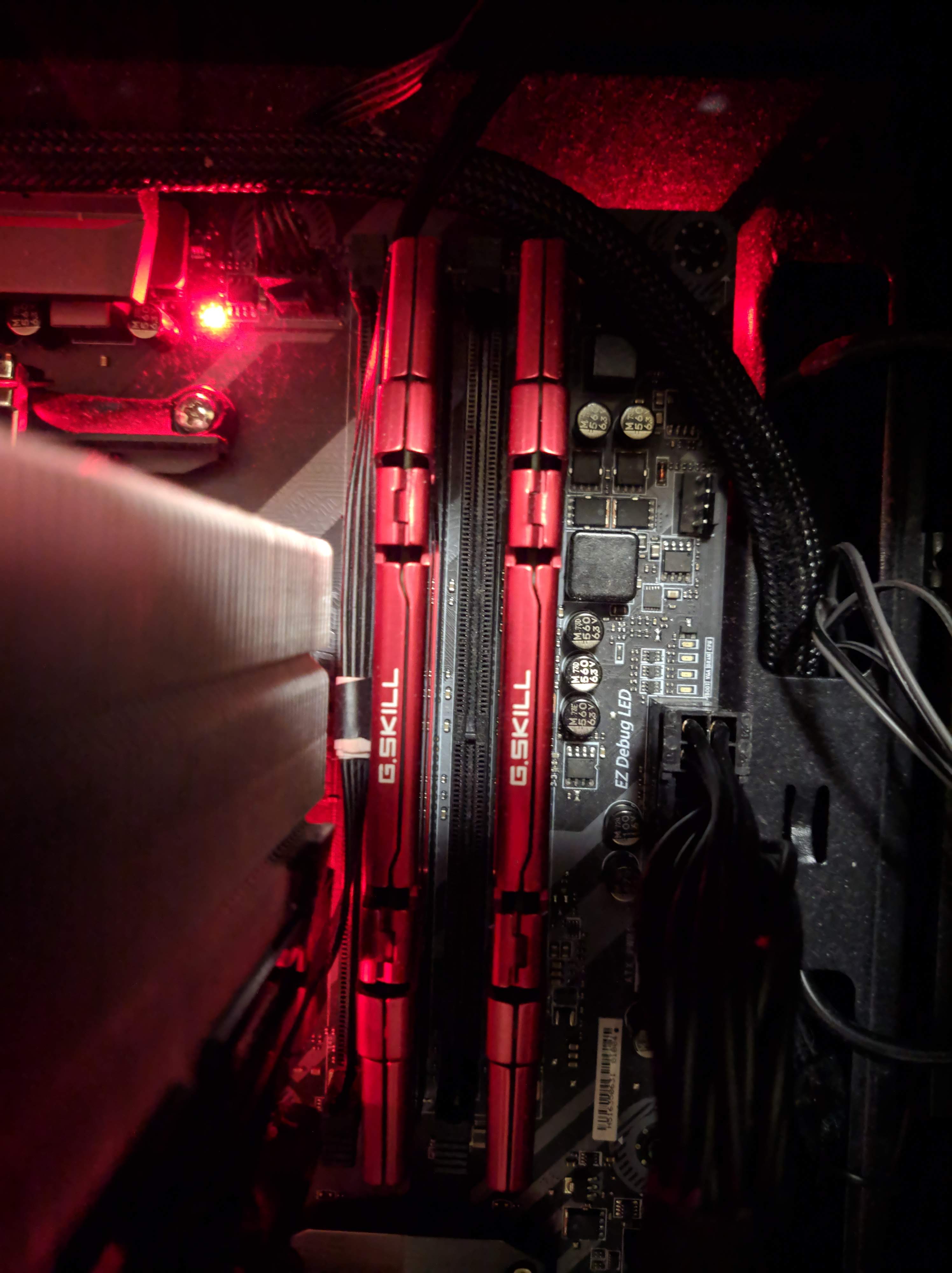
The motherboard is where all your components are connected to. The BIOS, or system before windows is connected to your motherboard. Various motherboards enable overclocking on a system (B450 and X470 for AMD).
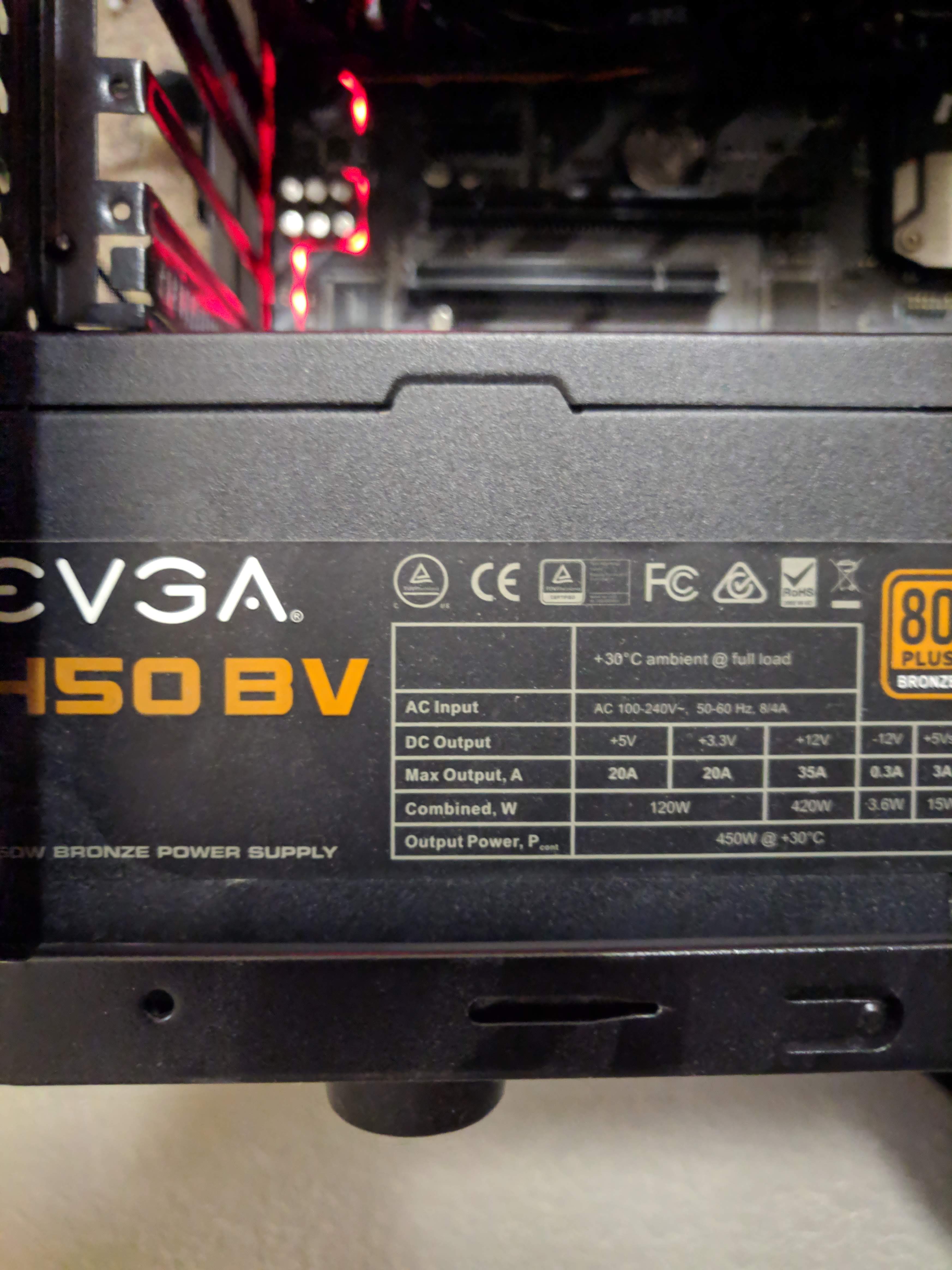
The Power Supply is the heart of your system, where power is provided to the other components. It is recommended to get at least an 80 plus certified power supply, for a long run time. Power supplies can also be modular, meaning you choose what cables to connect to it. This makes cable management a lot easier.
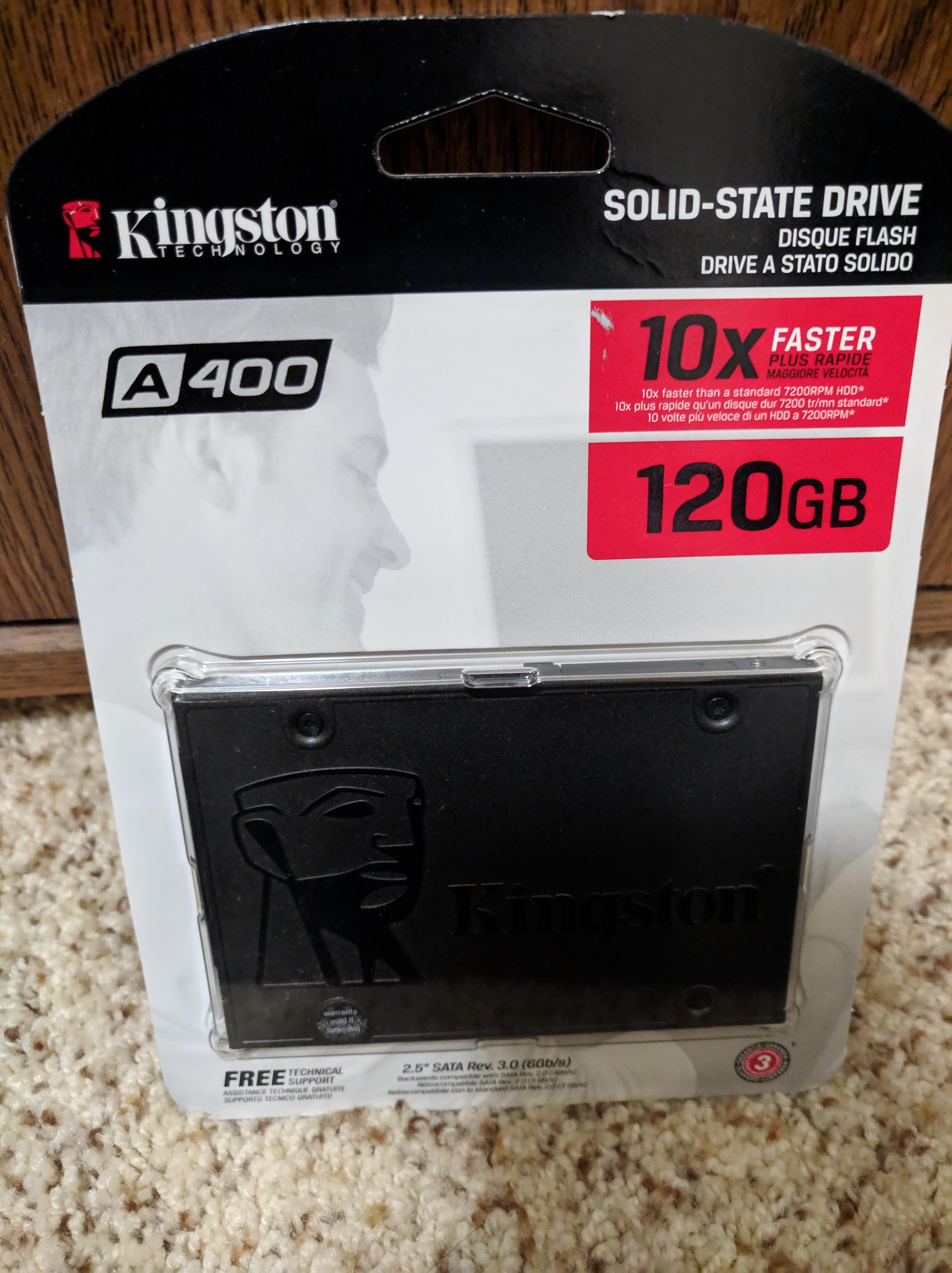
There a 2 forms of storage, SSDs and HDDs, with SSDs offering fast storage and thus fast loading times while HDDs offering large amounts of storage at a cheap price. It is recommended to install operating systems and important applications onto SSDs and large games onto HDDs. If you are getting an HDD, I recommend getting at least a speed of 7200 rpm.
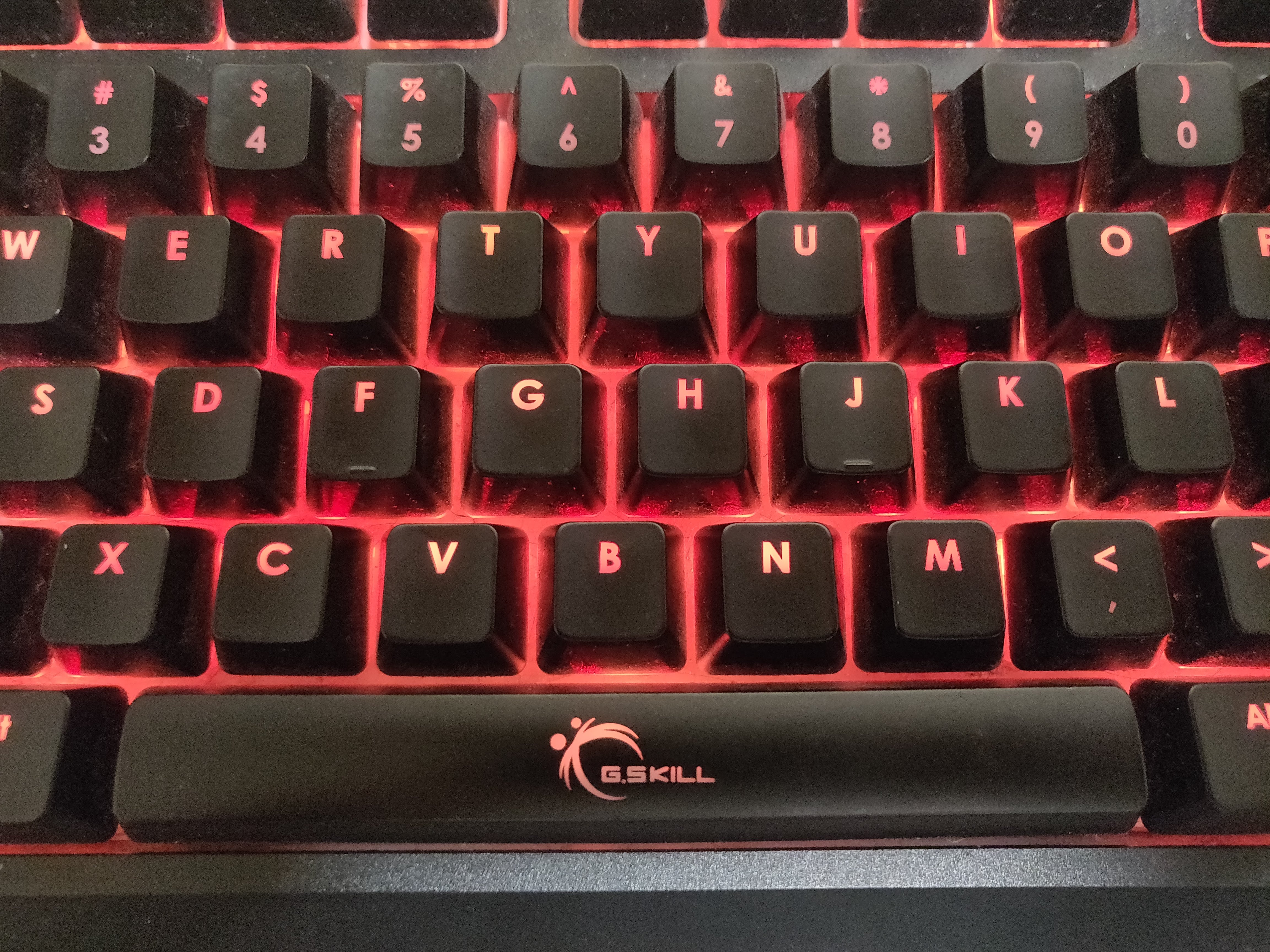
When buying a case, I recommend getting a tempered glass side panel, as this doesn’t scratch easily and is very visually appealing. Another thing to consider is having good cable management and ventilation throughout your system. This ventilation can be achieved through buying accessories such as case fans, other accessories to consider include keyboards, mice and headsets.

Dust Filter 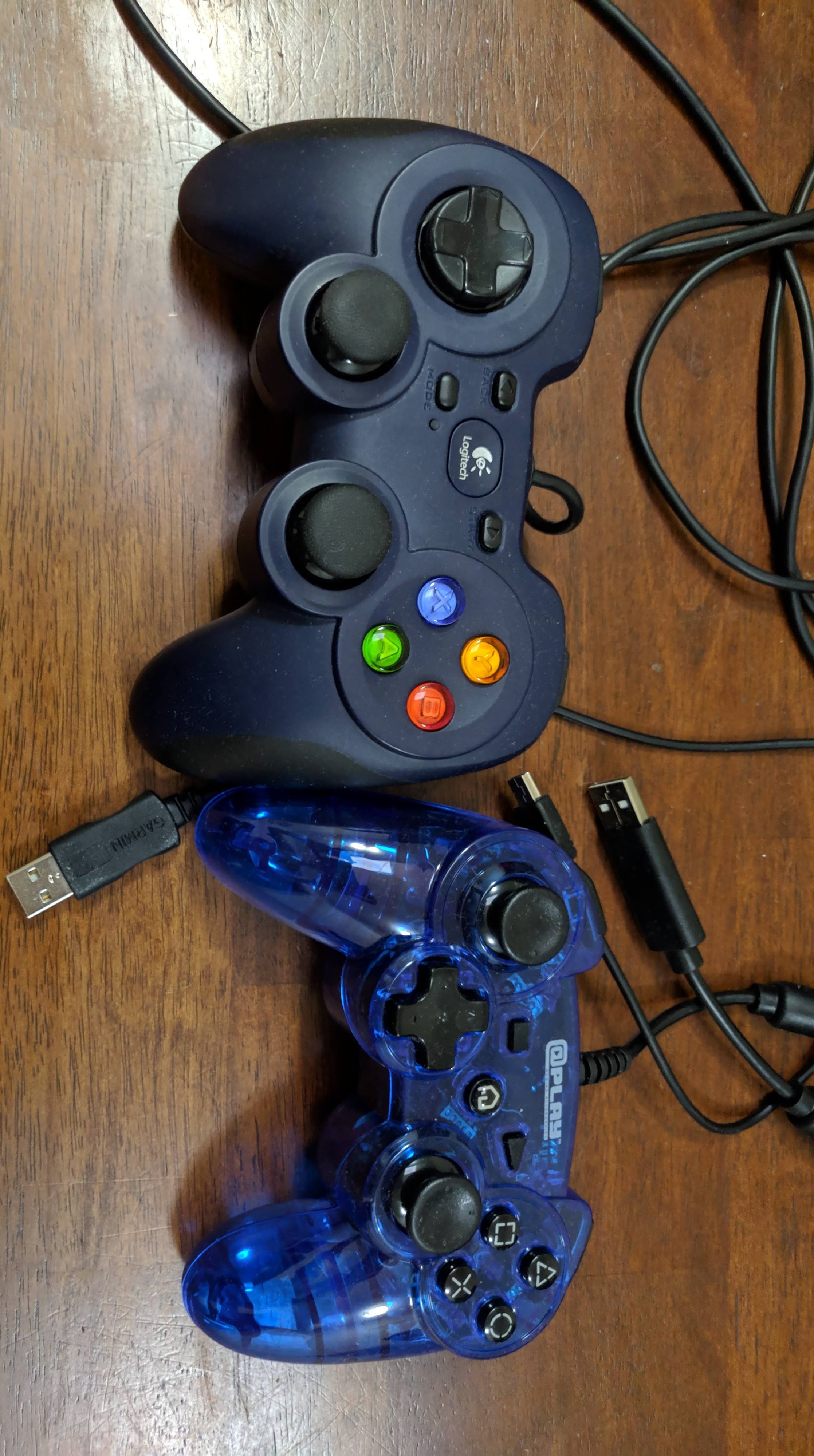
USB Controllers 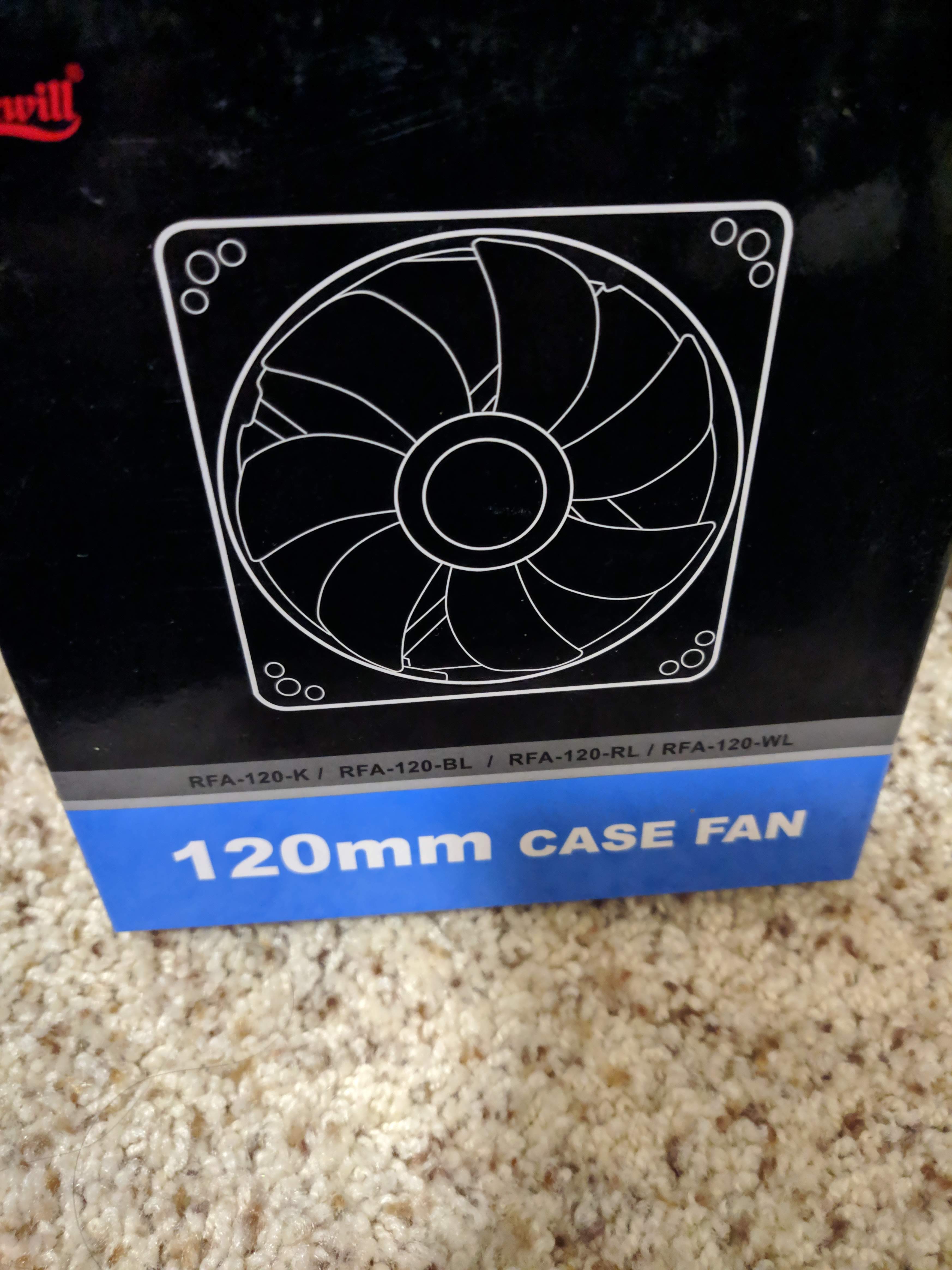
Case Fan
In terms of operating systems, Windows typically offers the best performance in gaming, as there is minimal interference and basically all games are supported. You can also install MacOS(hackintosh)on your own system, but apple doesn’t support it. Other options include linux.
However, the most important thing to get in any gaming system, more important than any item above, is a gaming chair 🙂

 GOGblog