
PC gaming offers in my opinion the best gaming experience on any modern platform. The accessibility of games and the convenience to use all contribute to this idea. Additionally, a personal computer offers someone a chance to choose to pay what they want and completely customize their system. PC gaming can be portable in the forms of laptops and can be done effectively at an unlimited price range. Newcomers are occasionally overwhelmed by the complexity of this process. To get started, one will need to download the necessary software if you have a system ready.
Before you start this process, please make sure you have the necessary computer hardware and specifications described to as the minimum to run your desired game. Especially, make sure to have a proper graphical unit for your game. A game like League won’t require anything more than integrated graphics, but if you want to play a new triple A game I would recommend at least having a dedicated GPU.

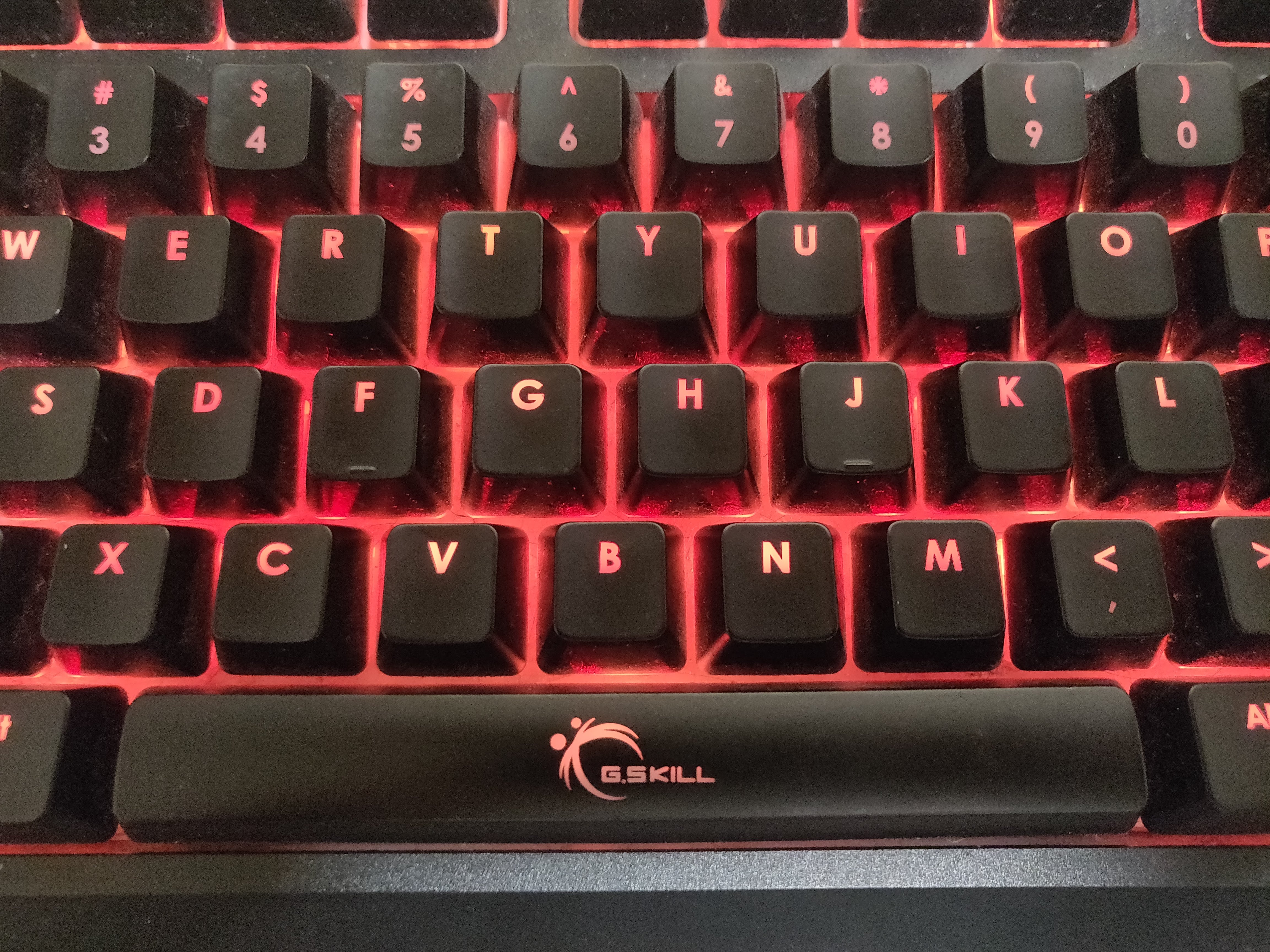
In terms of accessories, RGB mice, lights, and mechanical keyboards are typically desired and can be used to show off your setup. I will address the hardware aspects of PC gaming in my next post.
The first thing you should do if you have a new PC is to download or update the necessary drivers for the various components of your system. You should make sure your motherboard BIOS and graphics cards drivers are up to date. If you are playing on a prebuilt or a new laptop, these are probably already done for you.
The next step is to download your game launchers or your games. There exist systems known as DRM (digital rights management) to prevent piracy of games (but single player games are still really easy to pirate – proceed with caution). This basically requires that your own a launcher to own a game, because the game is connected to the launcher’s server. Though quite controversial due to privacy and other concerns, these have become a necessity to play PC games. Think of them as like app stores for actual games. These are also recommended to be installed on SSDs. I ordered my software list in order of relevance in my opinion.
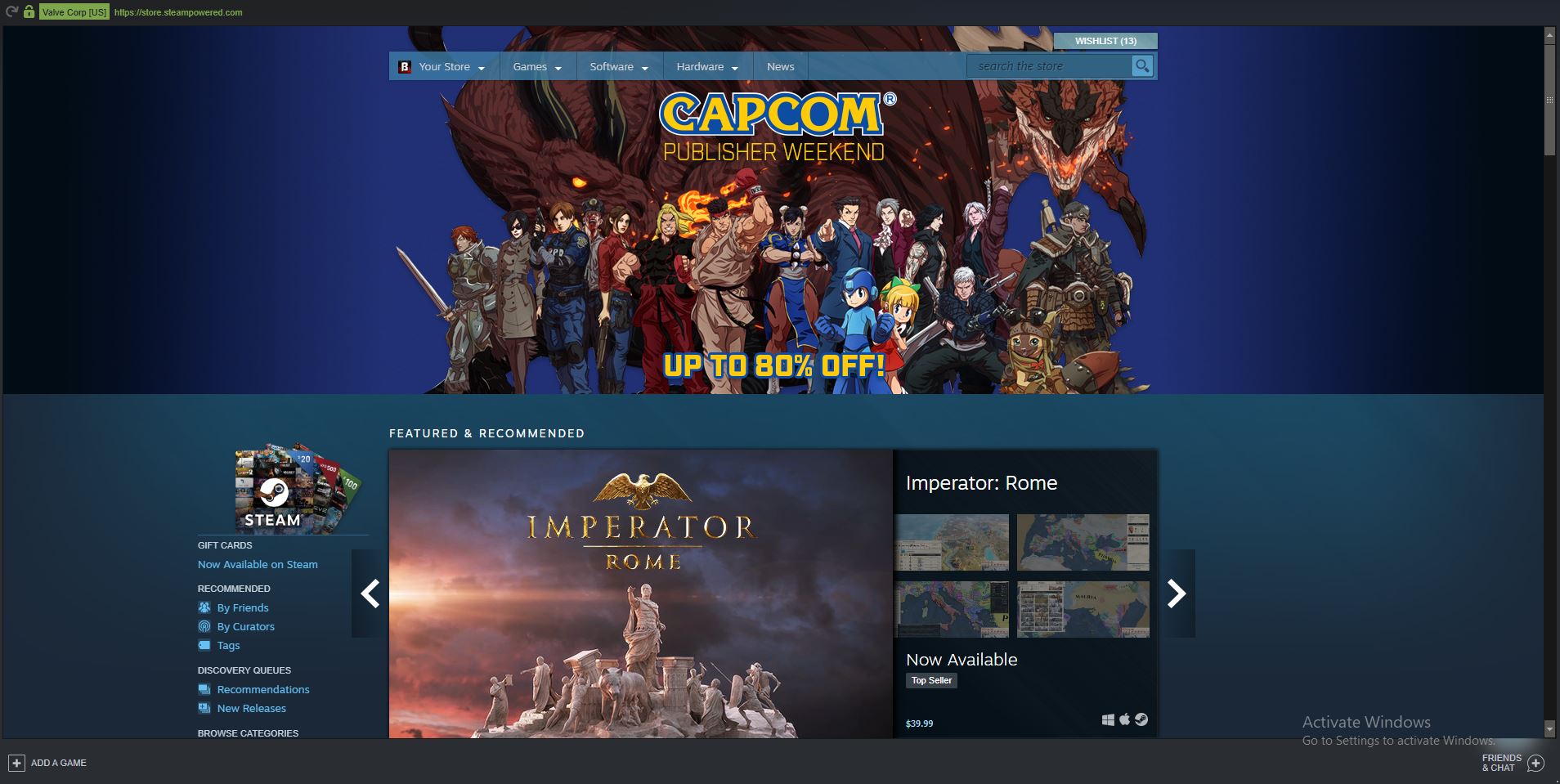
My list of software to download can be found here

 GOGblog
Hello Ernest,
I feel like that for games such as league of legends, integrated graphics are not enough to run it, as I have had experience myself with being very choppy and very laggy. A basic graphics card would most likely required to have a good game experience.
LikeLike
Yea, I would have to agree. I feel like only the newer middle/high-end integrated graphics such as Ryzen APUs and new Intel CPUs can run League effectively. From my own personal experience, I can barely run League on old Pentiums and Celerons, but if I turn the graphics down completely, I can manage 24 fps.
LikeLike
Ernest,
I agree with essentially everything you said! This is a great guide on the basics on PC gaming, and the photos are well incorporated and look nice. I would include a few more examples of cheap and/or free games in order to be a “one-stop shop” for budding PC enthusiasts but very well done nonetheless.
LikeLike
Thanks Ethan,
For free/cheap games, I would recommend the borderlands series on sale, mount and blade warband, League, and CSGO, but there are a huge variety of games for everyone of any taste on PC.
LikeLike
Hey Ernest, I really enjoyed graphics cards and how specific ones can fuel smooth gameplay. I play a lot of Counter Strike: Global Offensive, and actually stopped using GeForce NOW because it wasn’t smooth.H ow do you feel about those cloud-based gaming softwares?
LikeLike
Services such as GeForce Now and Google Stadia seem to advertise themselves as the “future” of gaming, and I would have to agree, but I don’t think that they will always be free or low cost, as I feel like they would be expensive to maintain.
LikeLike
Hey Ernest,
When you mentioned accessories for pc gaming, would a keyboard be necessary for a laptop? I feel like the distance between your keyboard and the small laptop screen might ruin my gaming experience. I tried it once with my MacBook and it was very hard to see my opponents in League of Legends.
LikeLike
Yea that’s my bad, I don’t recommend using a mechanical keyboard with a laptop, but I feel like you should still use a mouse no matter what.
LikeLike
Hi Ernest!
I like how you made your post easy to follow along, especially for people who may not know much about PC gaming. It seems like you are passionate about gaming and I think it’s awesome that you’re writing about something you have a lot of interest in. I wonder how you first got into gaming? Keep up the good work!
– Hannah Chang
LikeLike
Thanks,
I first got into gaming through my friends in elementary school who introduced me to systems such as the DS and the Wii, then I transitioned into PC gaming in middle school.
LikeLike
Hi Ernest,
I enjoyed your specific reference to some of the wide range of games which are available to play on the PC. I feel that the main reason that PC gaming is the best is that the user can spend as much or as little money as they want, and still have a fairly decent experience.
LikeLike
Hey Ernest,
I think you did a very good job on creating a guide to help people understand the basics of PC gaming. As someone who recently started playing PC games, what are some good but free PC games I could play and are there any alternatives to GeForce NOW?
LikeLike
Ernest,
I really enjoyed this thorough guide for PC basics. The way that you wrote and made everything seem easy to understand made this post a great read. As someone who is partially interested in technology, this post actually opened up my knowledge of the parts to a PC.
Thanks,
Joshua Chio
LikeLiked by 1 person
This was a very informative article and guide to assisting people to understand the several games available for PC gaming. Finally, is it possible to get GeForce on a Mac? If not what are the options to continue gaming and can it only done on Windows applications.
Thanks,
Anirudh
LikeLike
Hey Ernest! This is a great post for advice to beginners. I don’t have a PC but my cousins do and it goes much faster than my Mac does when we play games. Theirs doesn’t overheat and lag as much as mine does. Maybe I should consider changing (lol)! The keyboard you recommended is actually one of my favorite keyboards to play with since it has a setting that lights it up and changes colors! Thanks for the advice.
-Madeleine Dao
LikeLike